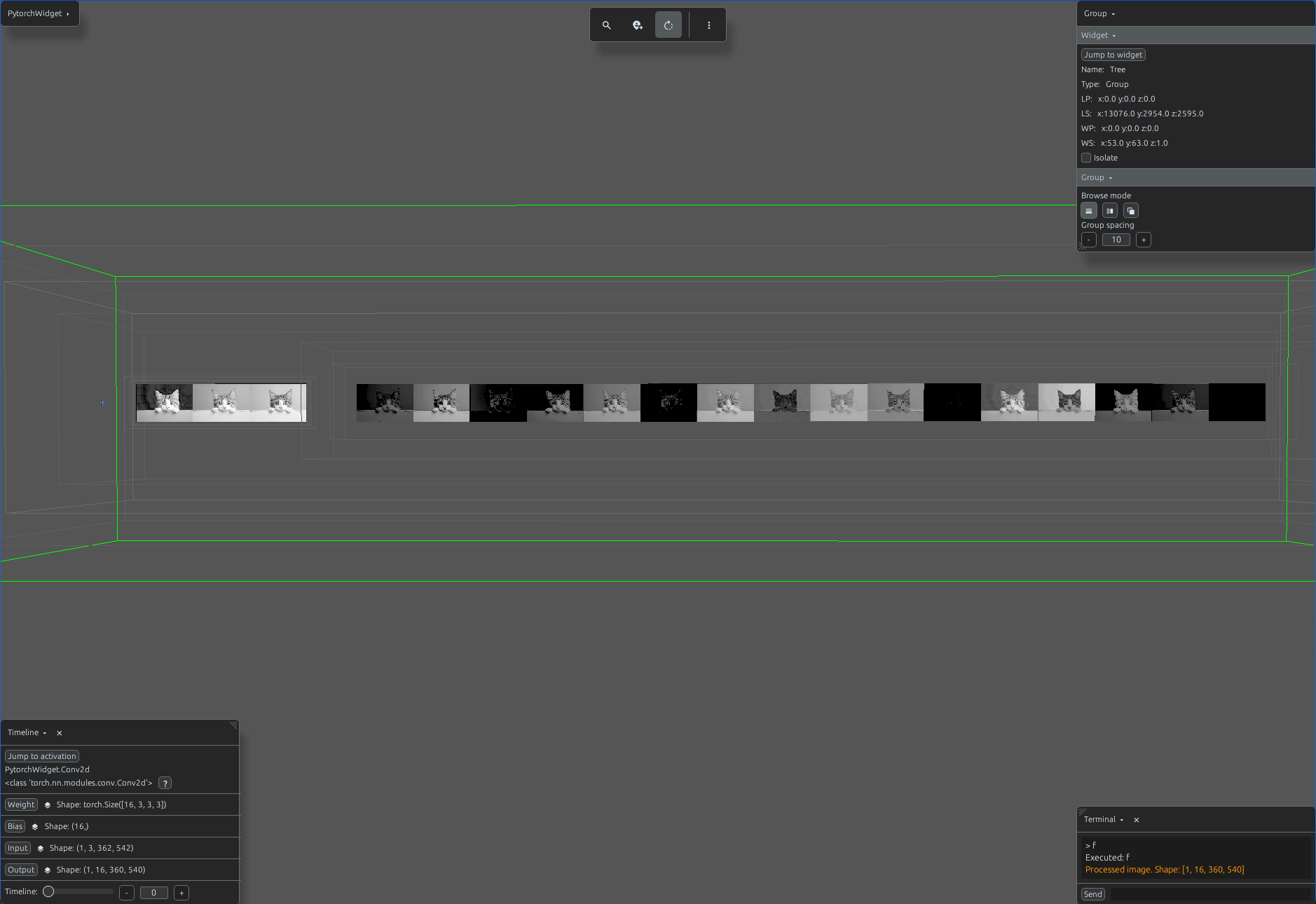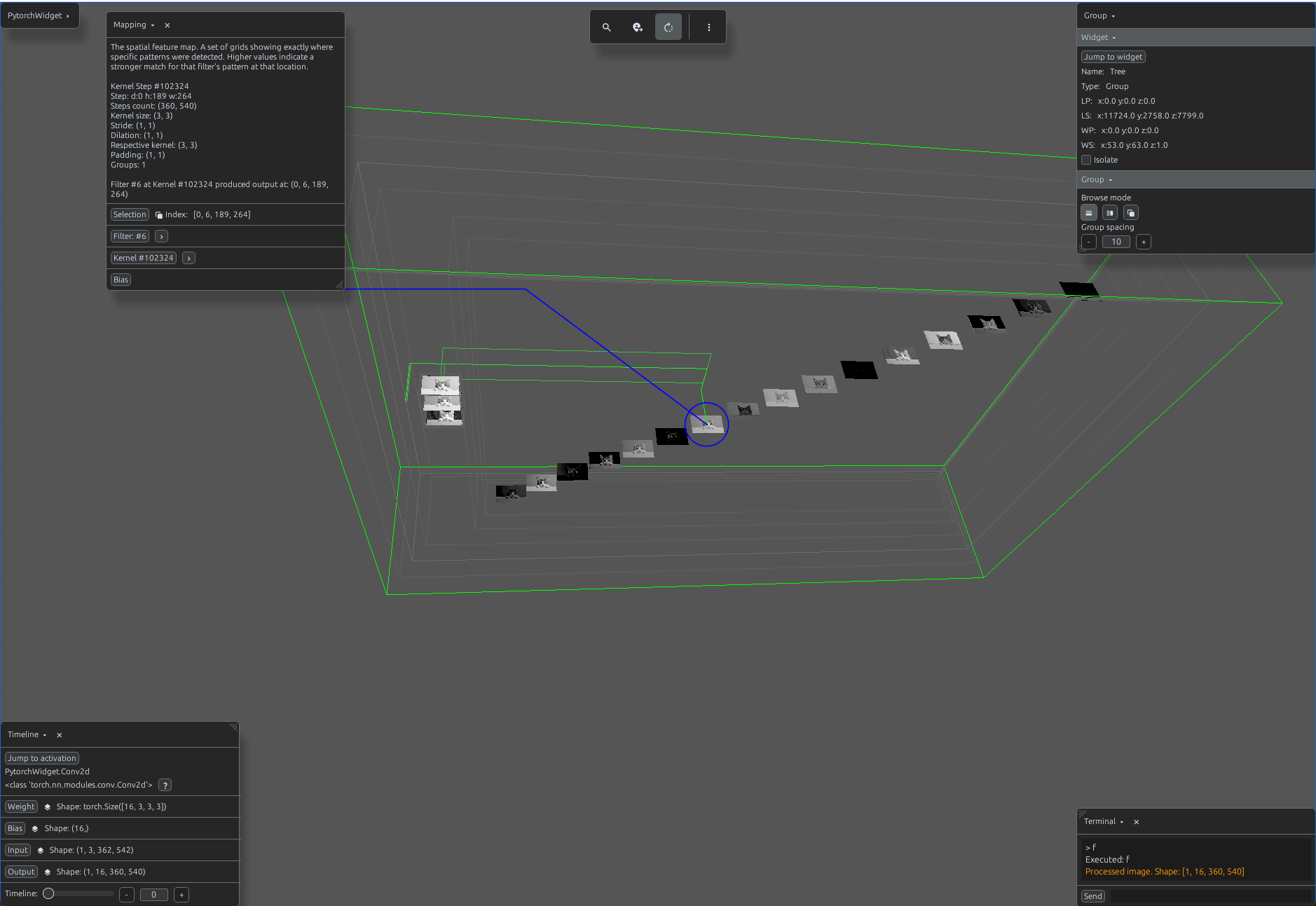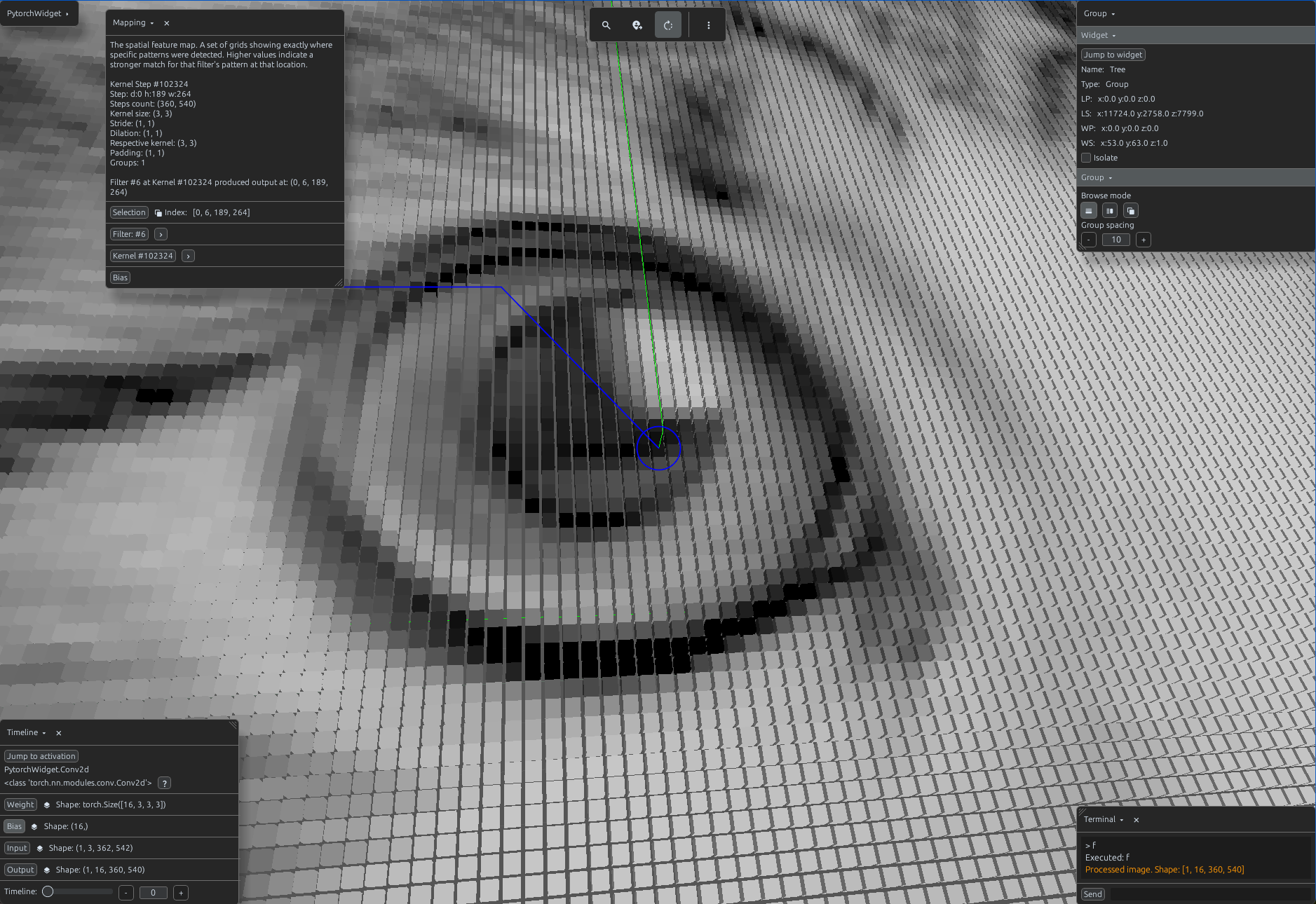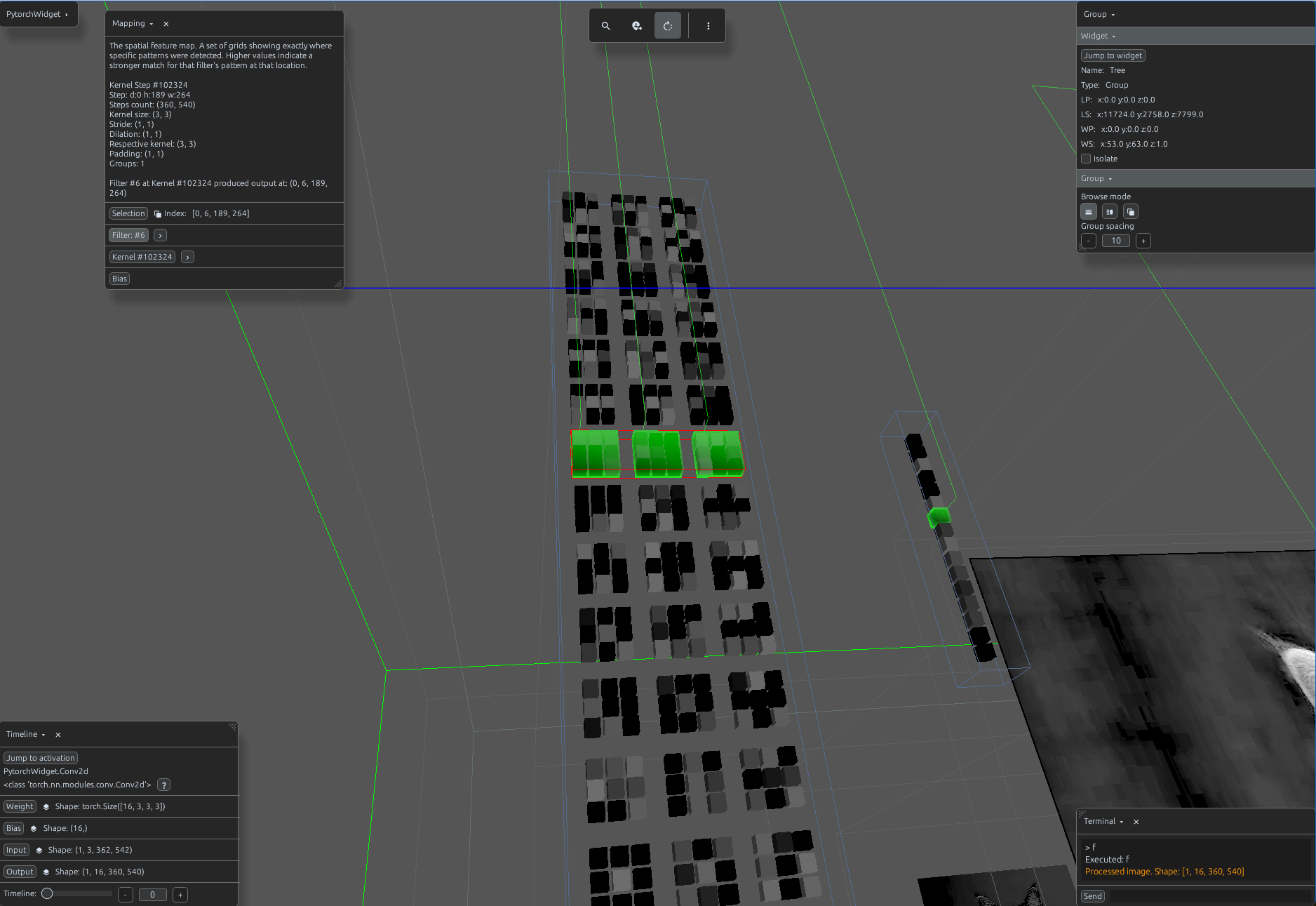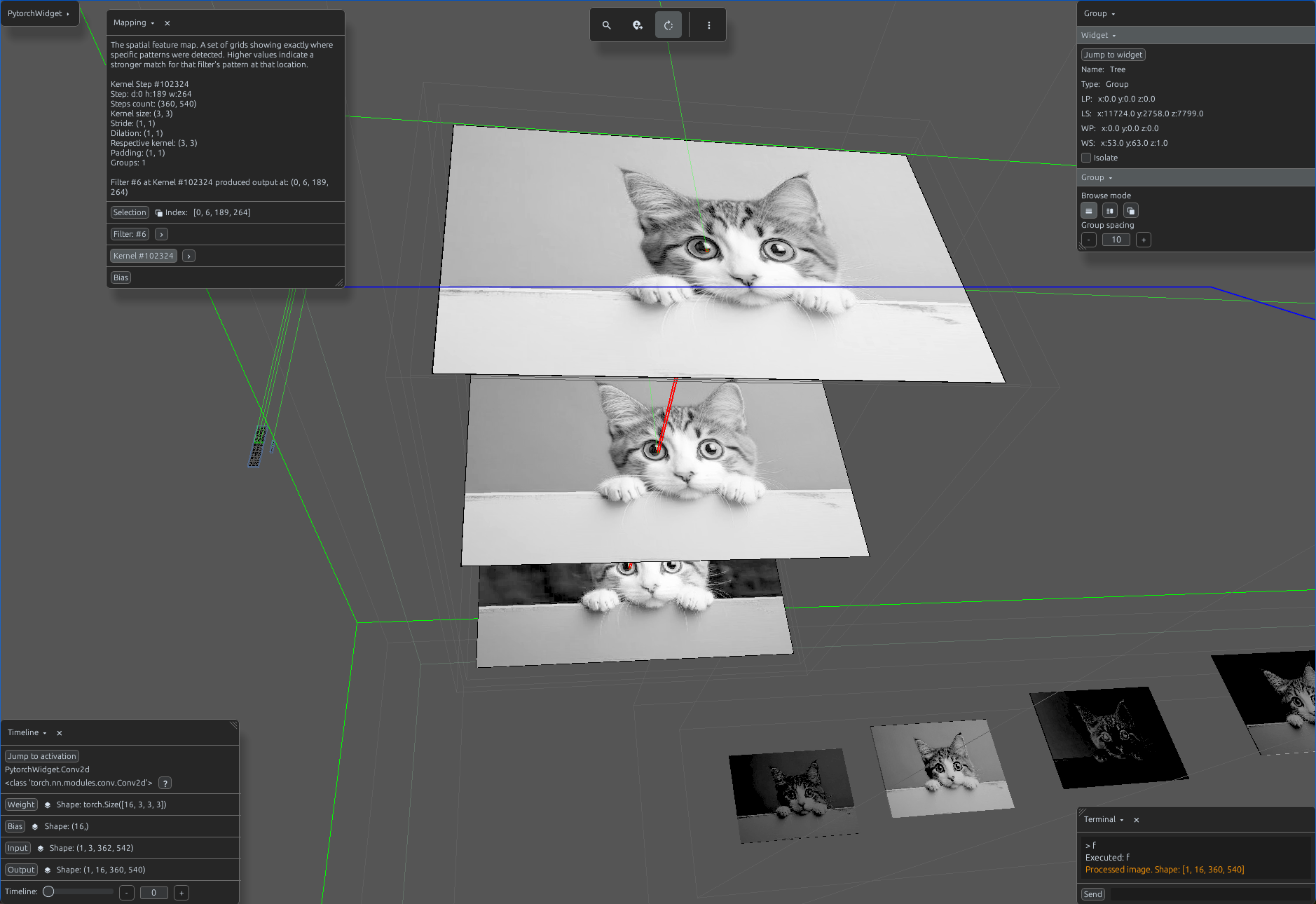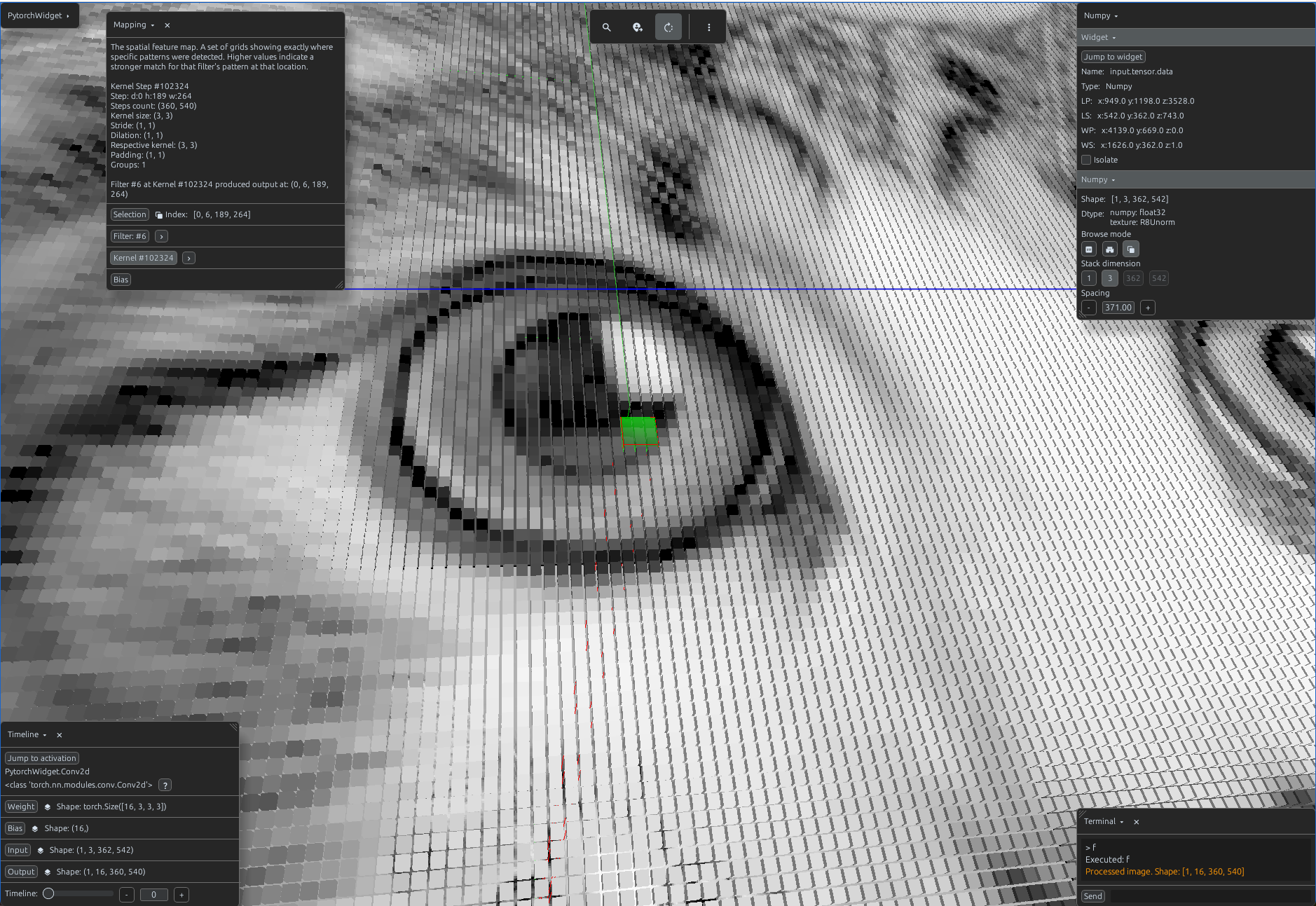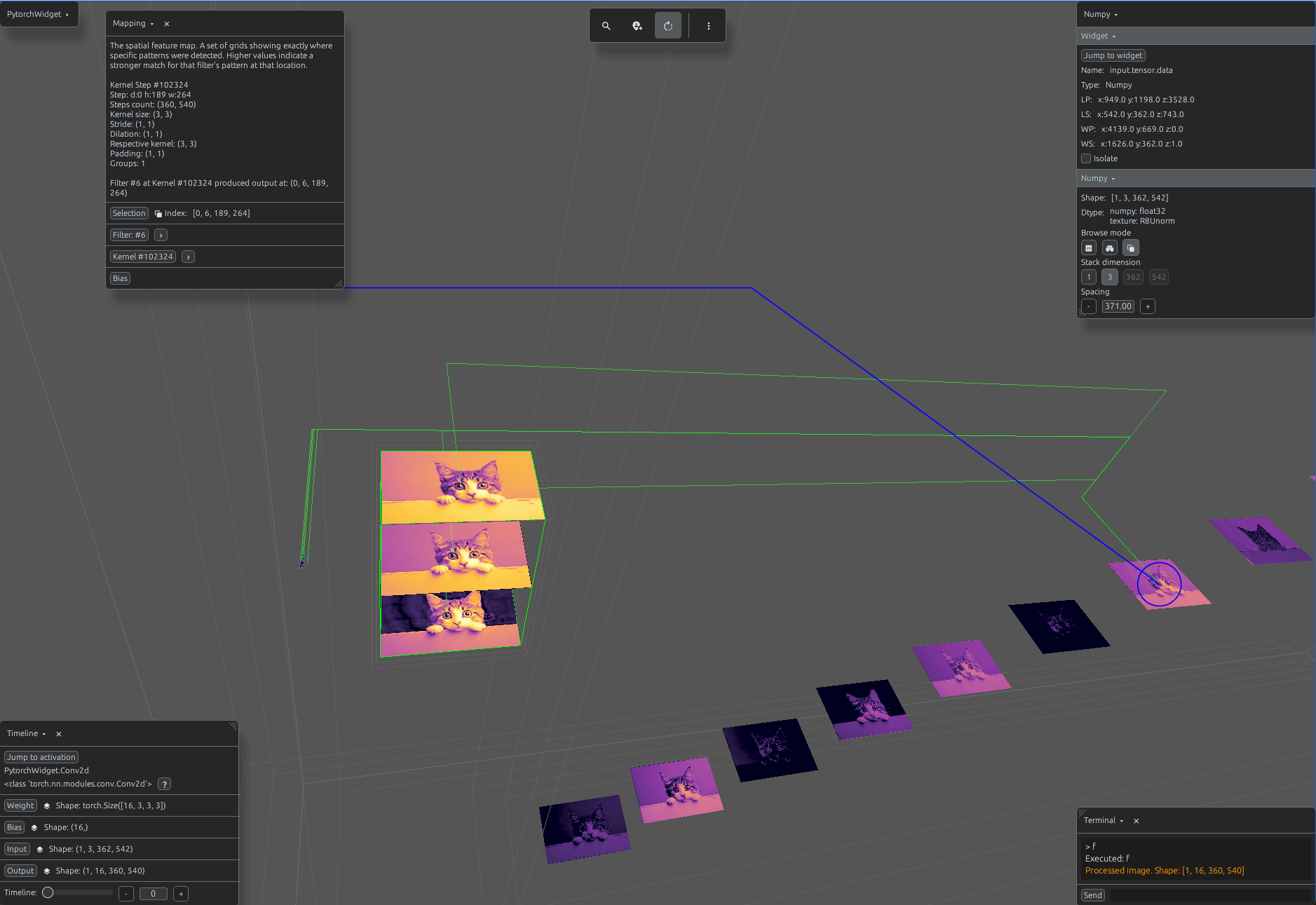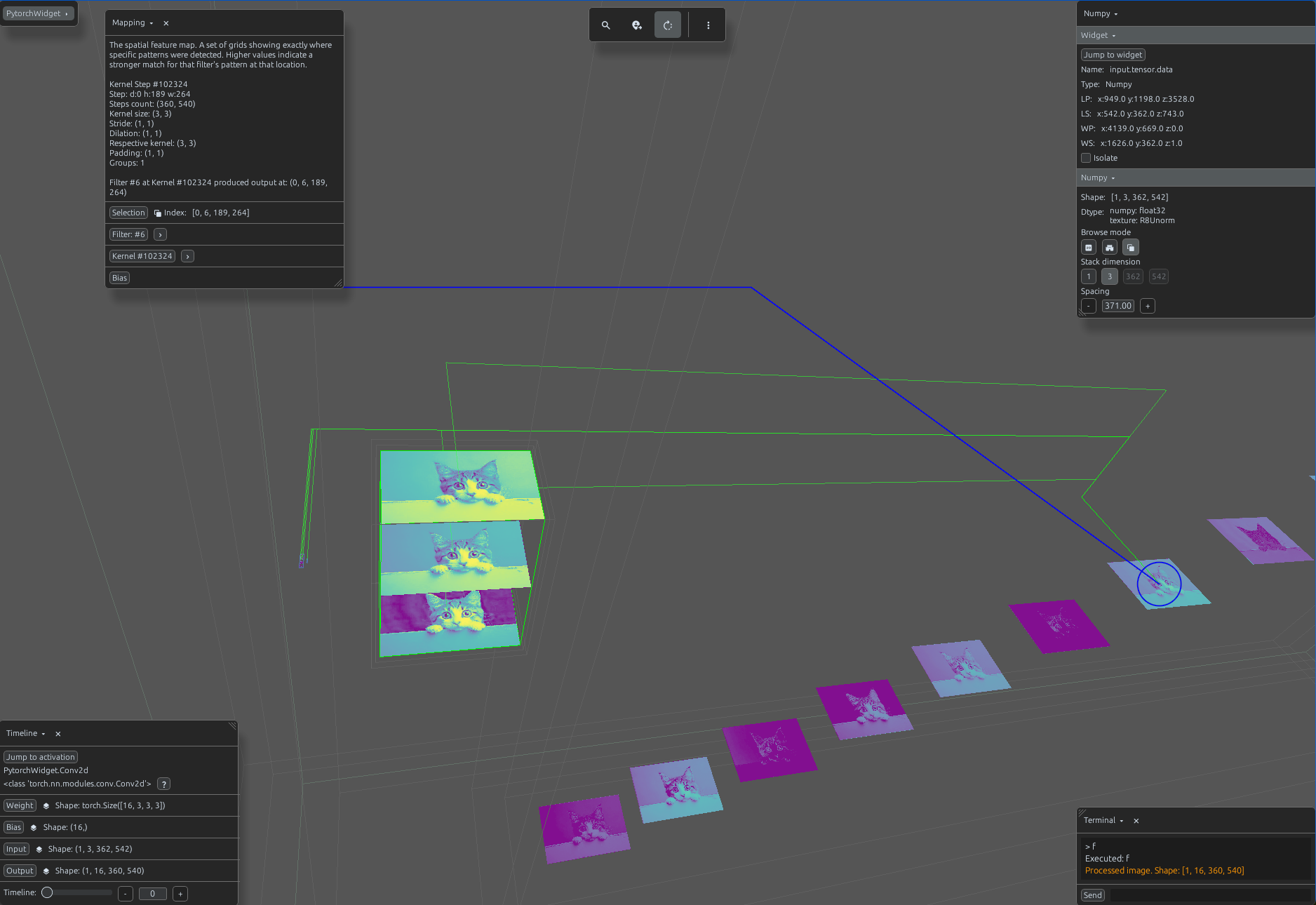
Load Conv2d
import svetoviz_webgpu as sv

# 1. Prepare 2D image data (Batch, Channels, H, W)
# Loaded and normalized from sample_image.jpg
input_tensor = torch.randn(1, 3, 224, 224)

# 2. Define the 2D Convolutional module
conv2d = nn.Conv2d(in_channels=3, out_channels=16, kernel_size=3, stride=1, padding=1)

def terminal_callback(buffer, message, images, files):
    # 3. Process the image through the module
    output = conv2d(input_tensor)

    # Log the feature map shape to the Svetoviz terminal
    buffer.send_system_message(f"Processed image. Shape: {list(output.shape)}")

# 4. Start the interactive session
sv.pytorch(module=conv2d, terminal_callback=terminal_callback)