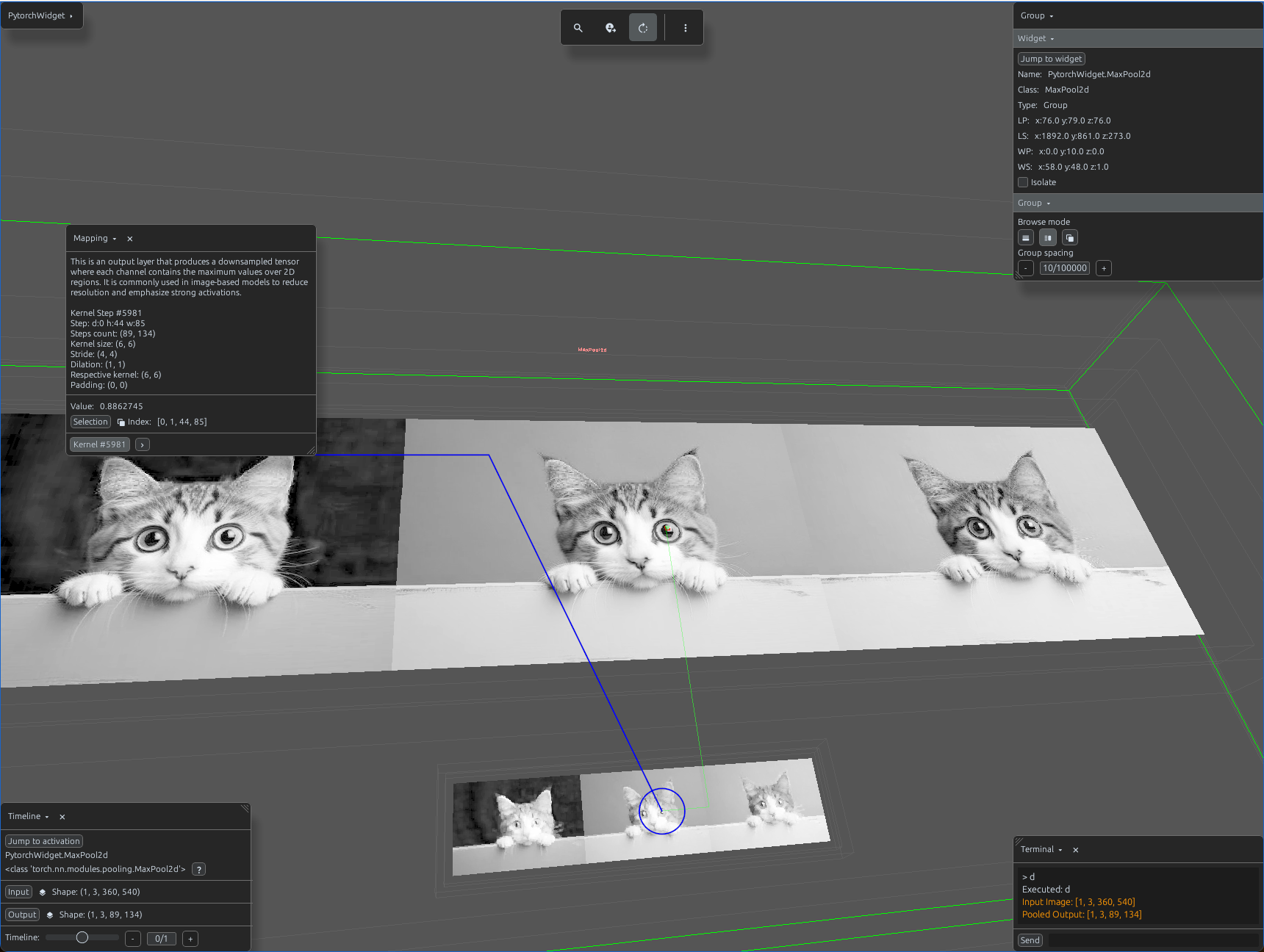
maxpool2d_demo.py
import svetoviz_webgpu as sv

# 1. Prepare 2D image data
img = Image.open("sample_image.jpg").convert("RGB")
img_np = np.array(img).astype(np.float32) / 255.0
# Shape: (1, 3, H, W)
input_tensor = torch.from_numpy(img_np).permute(2, 0, 1).unsqueeze(0)

# 2. Define MaxPool2d
# Standard pooling often used in CNN backbones to reduce spatial dimensions
pool2d = nn.MaxPool2d(kernel_size=6, stride=4)

def terminal_callback(buffer, message, images, files):
    # 3. Process the image through the module
    output = pool2d(input_tensor)

    buffer.send_system_message(f"Input Image: {list(input_tensor.shape)}")
    buffer.send_system_message(f"Pooled Output: {list(output.shape)}")

# 4. Start the interactive session
sv.pytorch_web(module=pool2d, terminal_callback=terminal_callback)