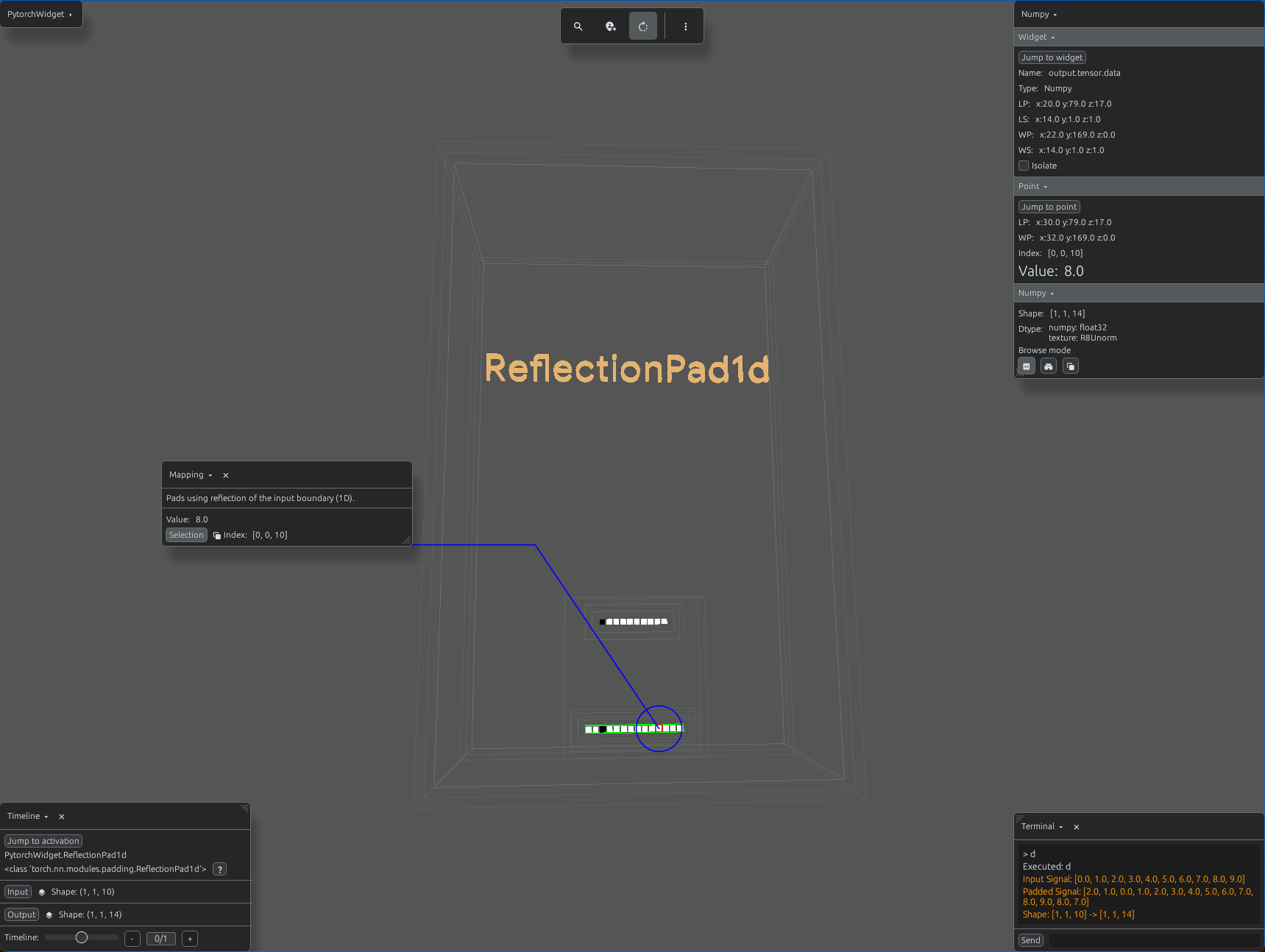
reflection_pad1d_demo.py
import svetoviz_webgpu as sv

# 1. Create a 1D signal (10 samples)
input_tensor = torch.arange(10, dtype=torch.float32).view(1, 1, 10)

# 2. Define ReflectionPad1d (Padding of 2 on both sides)
pad1d = nn.ReflectionPad1d(padding=2)

def terminal_callback(buffer, message, images, files):
    output = pad1d(input_tensor)

    buffer.send_system_message(f"Input Signal: {input_tensor.tolist()[0][0]}")
    buffer.send_system_message(f"Padded Signal: {output.tolist()[0][0]}")
    buffer.send_system_message(f"Shape: {list(input_tensor.shape)} -> {list(output.shape)}")

# 3. Start the interactive session
sv.pytorch_web(module=pad1d, terminal_callback=terminal_callback)