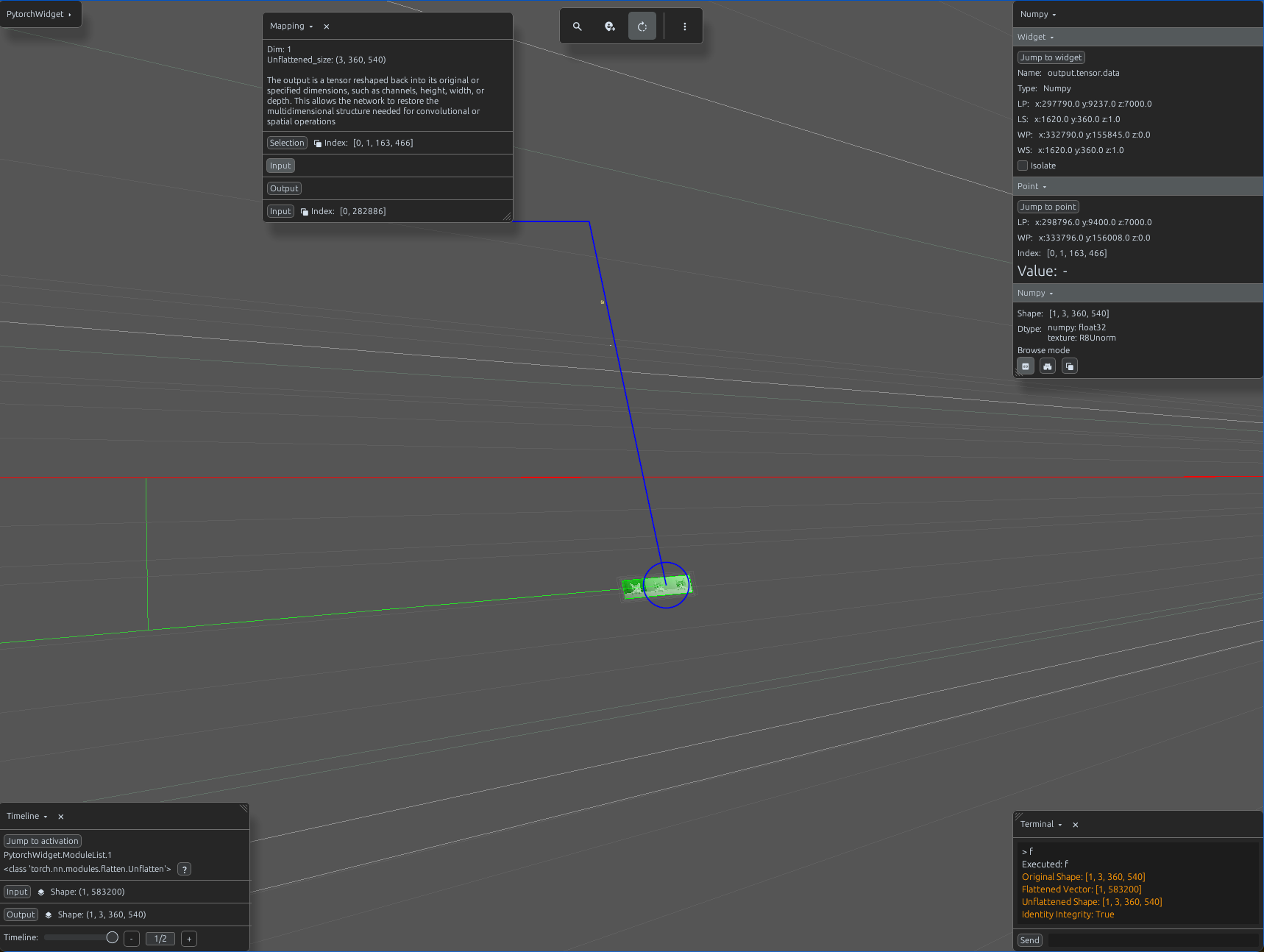
unflatten_demo.py
import svetoviz_webgpu as sv

# 1. Capture dynamic dimensions
_, c, h, w = input_tensor.shape

# 2. Define Modules
flatten = nn.Flatten(start_dim=1)
# Restores (Batch, -1) back to (Batch, C, H, W)
unflatten = nn.Unflatten(dim=1, unflattened_size=(c, h, w))

container = nn.ModuleList([flatten, unflatten])

def terminal_callback(buffer, message, images, files):
    # Step A: Flatten to vector
    flat_vector = flatten(input_tensor)

    # Step B: Unflatten back to original grid
    reconstructed = unflatten(flat_vector)

    buffer.send_system_message(f"Original Shape: {list(input_tensor.shape)}")
    buffer.send_system_message(f"Flattened Vector: {list(flat_vector.shape)}")
    buffer.send_system_message(f"Unflattened Shape: {list(reconstructed.shape)}")

    is_identical = torch.equal(input_tensor, reconstructed)
    buffer.send_system_message(f"Identity Integrity: {is_identical}")

# 4. Start the interactive session
sv.pytorch_web(module=container, terminal_callback=terminal_callback)