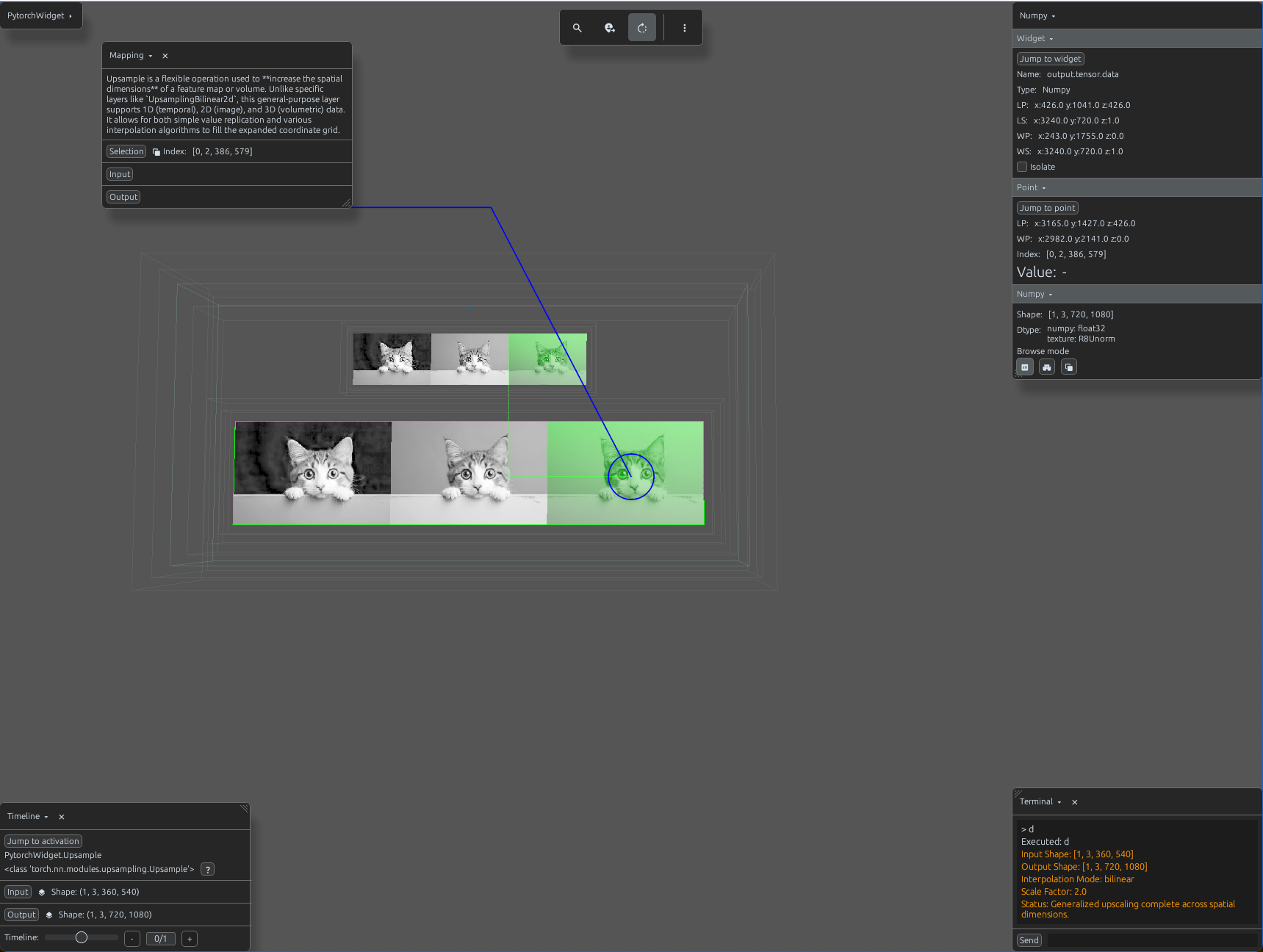
upsample_demo.py
import svetoviz_webgpu as sv

# 1. Prepare 2D image data
input_tensor = torch.from_numpy(img_np).permute(2, 0, 1).unsqueeze(0)

# 2. Define Upsampling Parameters
# A wrapper for various interpolation algorithms (nearest, bilinear, bicubic, etc.)
upsample = nn.Upsample(scale_factor=2.0, mode='bilinear', align_corners=False)

def terminal_callback(buffer, message, images, files):
    # Forward pass
    output = upsample(input_tensor)

    buffer.send_system_message(f"Input Shape: {list(input_tensor.shape)}")
    buffer.send_system_message(f"Output Shape: {list(output.shape)}")
    buffer.send_system_message(f"Interpolation Mode: {upsample.mode}")

# 3. Start the interactive session
sv.pytorch_web(module=upsample, terminal_callback=terminal_callback)