Hugging Face Datasets

Svetoviz provides integrated support for the Hugging Face datasets ecosystem. By utilizing the DatasetView, you can transform massive remote repositories into persistent, locally-browsable 3D environments with optimized image tiling.

Building a Dataset Scene

Build HF Dataset
import svetoviz_webgpu as sv
from datasets import load_dataset

hf_name = "Dewa/Dog_Emotion_Dataset_v2"
dataset = load_dataset(hf_name, split="train")

layout = sv.DatasetView(
    name=hf_name,
    dataset=dataset,
    image_columns=["image"],
    info_columns=["emotion"],
    cell_width=400,
    cell_height=400
)

sv.save_to_disc(
    view=layout,
    compression="png_0"
    directory=output_directory
)
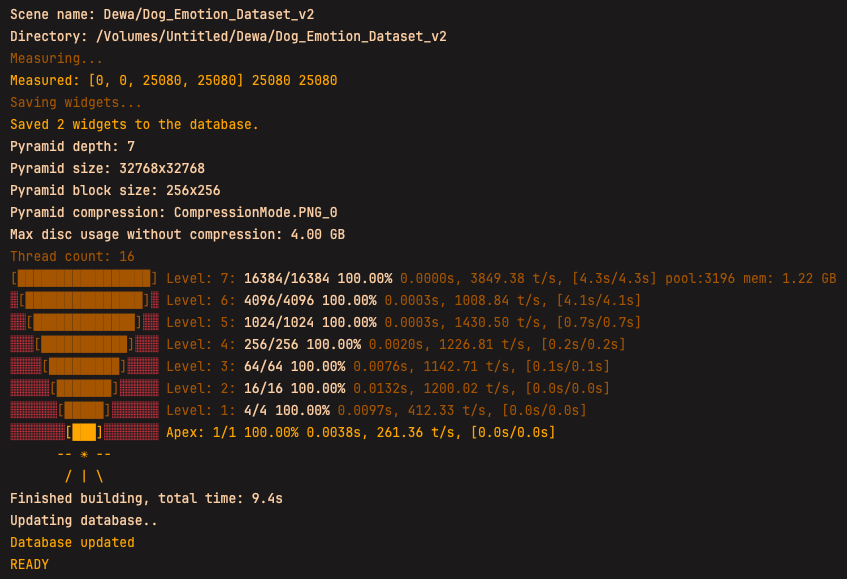
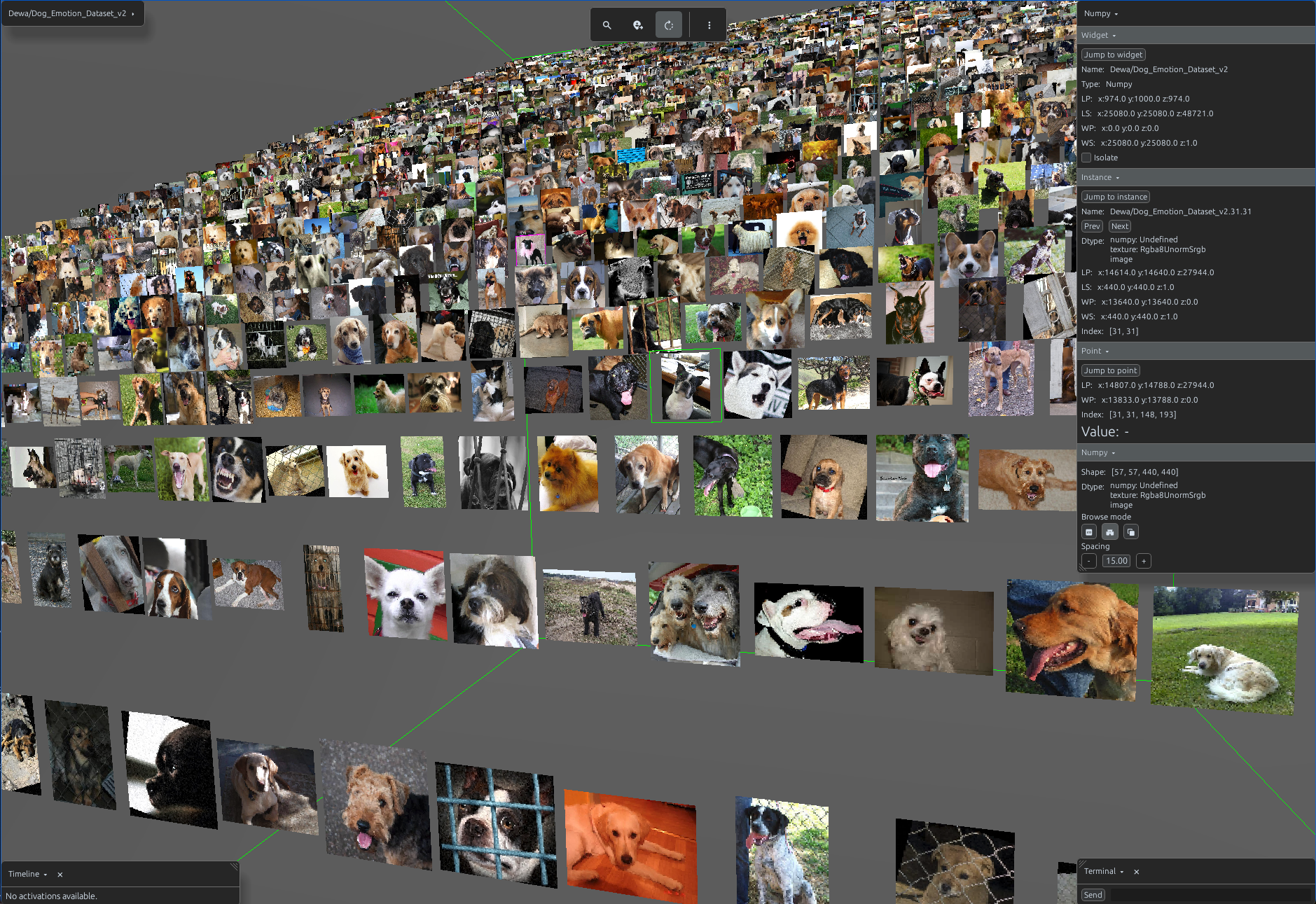
Dataset Processing

Starting the dataset

Launch HF dataset
import svetoviz_webgpu as sv

sv.load_from_disc(directory=output_directory)
Dataset View

Building search database

Include info_columns to automatically build the search database

Build HF Dataset
import svetoviz_webgpu as sv
from datasets import load_dataset

hf_name = "eltorio/ROCOv2-radiology"
dataset = load_dataset(hf_name, split="train")

layout = sv.DatasetView(
    name=hf_name,
    dataset=dataset,
    image_columns=["image"],
    info_columns=["image_id", "caption", "cui"],
    cell_width=400,
    cell_height=400
)

sv.save_to_disc(
    view=layout,
    compression="png_0"
    directory=output_directory
)
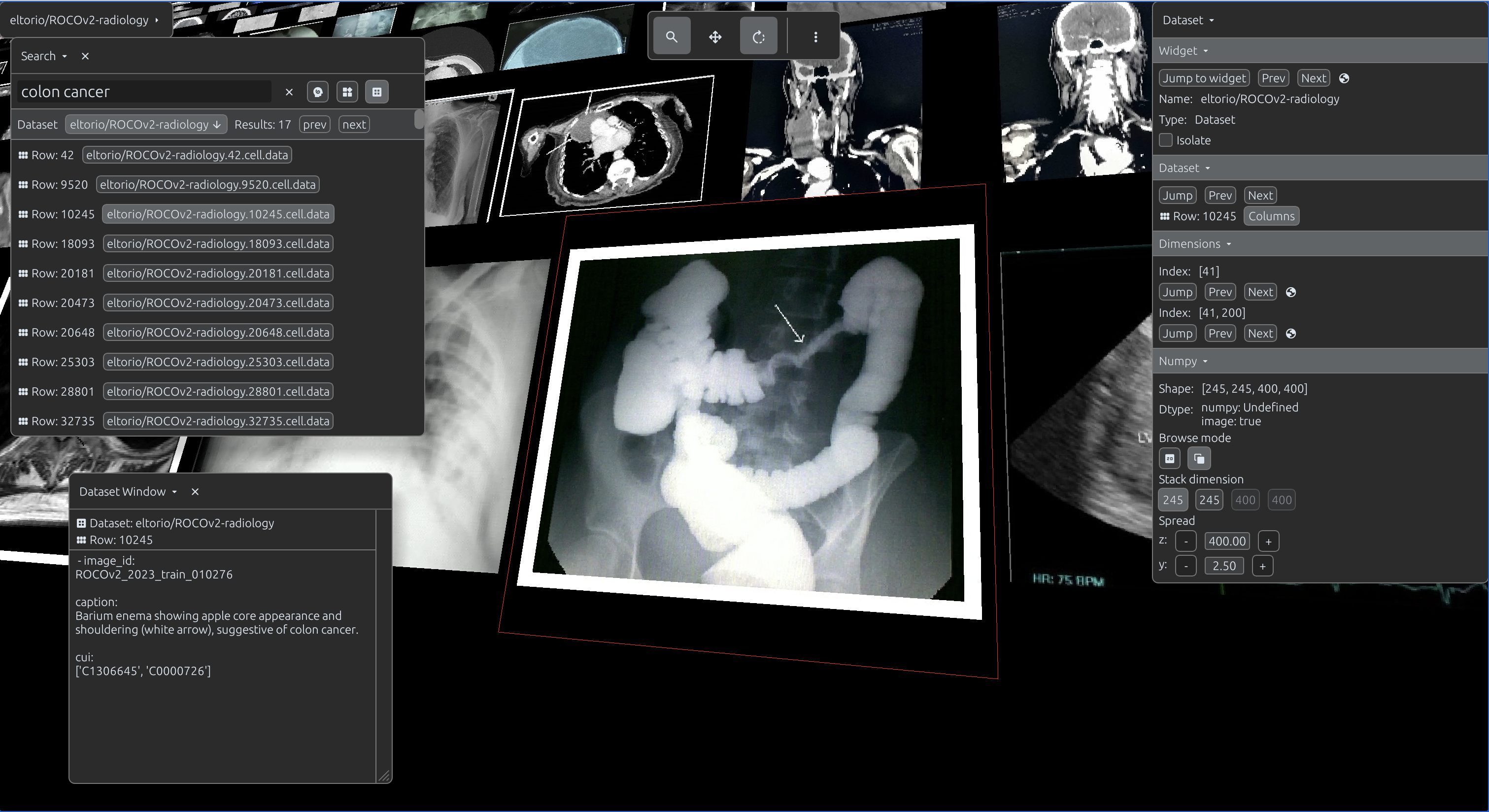
sv.load_from_disc(directory=output_directory)

Use web interface to search over entire dataset

Dataset Processing

Compression & Performance

The selected compression type dictates the following parameters of the final scene:

  • Quality of the final scene
  • Total disk usage of the final scene
  • Total build time of the scene

PNG Compression Levels

Available Constants
PNG_0 (Highest Quality)
PNG_1
PNG_2
PNG_3
PNG_4
PNG_5
PNG_6
PNG_7
PNG_8
PNG_9 (Lowest Quality)

JPEG Compression Levels

Available Constants
JPEG_0 (Highest Quality)
JPEG_1
JPEG_2
JPEG_3
JPEG_4
JPEG_5
JPEG_6
JPEG_7
JPEG_8
JPEG_9 (Lowest Quality)