single_image.py
import svetoviz_webgpu as sv

# Supports URL, local path, or PIL object
filepath = "/datasets/nasaimages/heic2409a.tif"

sv.image(filepath)Svetoviz provides native support for image data, abstracting away the boilerplate of loading and pre-processing. Whether dealing with local high-resolution TIFs, web-based JPGs, or in-memory PIL objects, the engine renders them directly into the 3D environment.
The image method is polymorphic. It accepts local file paths, remote URLs, or
existing Pillow (PIL) image objects. This is the fastest way to verify data integrity or inspect
high-bit-depth scientific imagery.
import svetoviz_webgpu as sv
# Supports URL, local path, or PIL object
filepath = "/datasets/nasaimages/heic2409a.tif"
sv.image(filepath)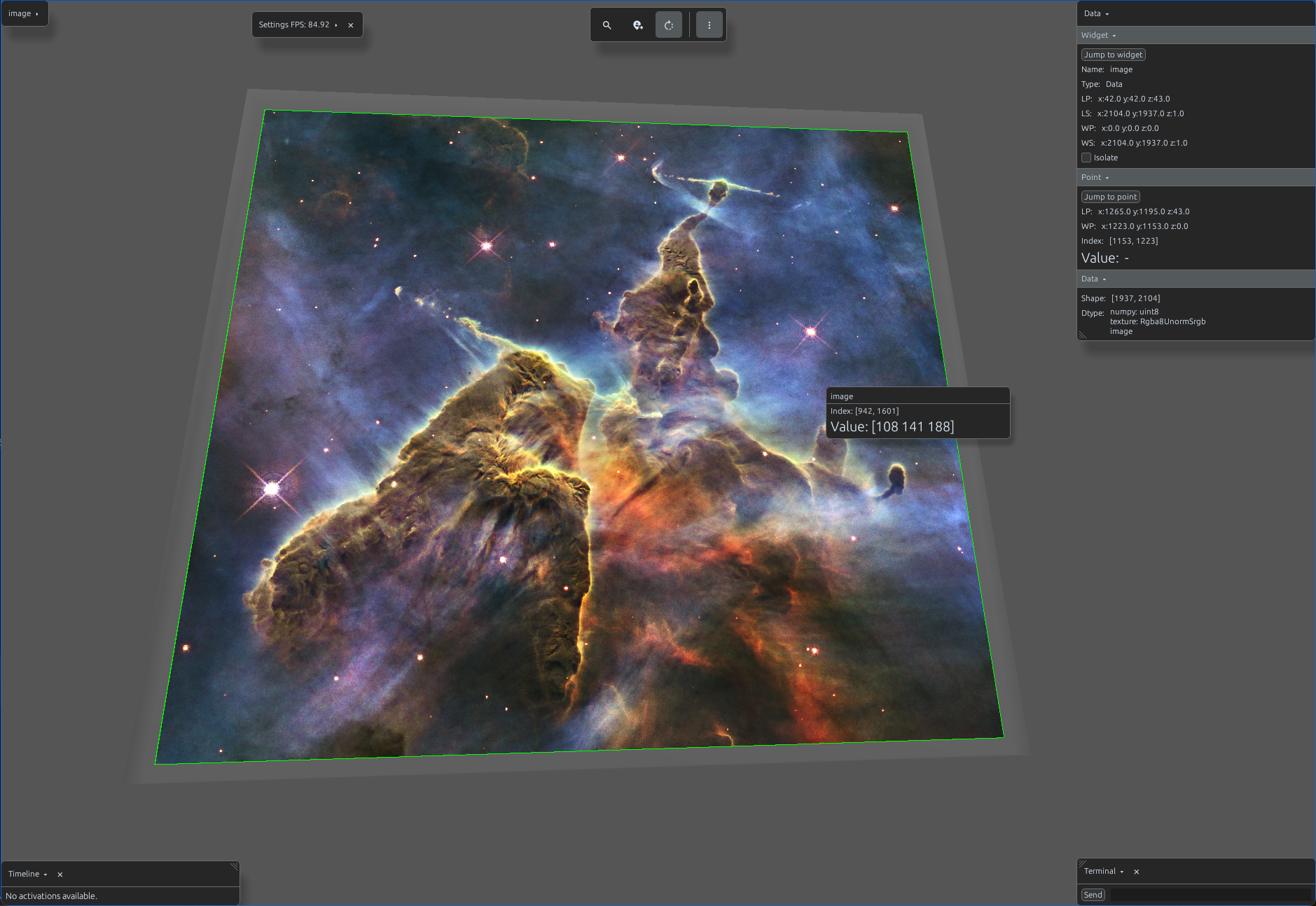
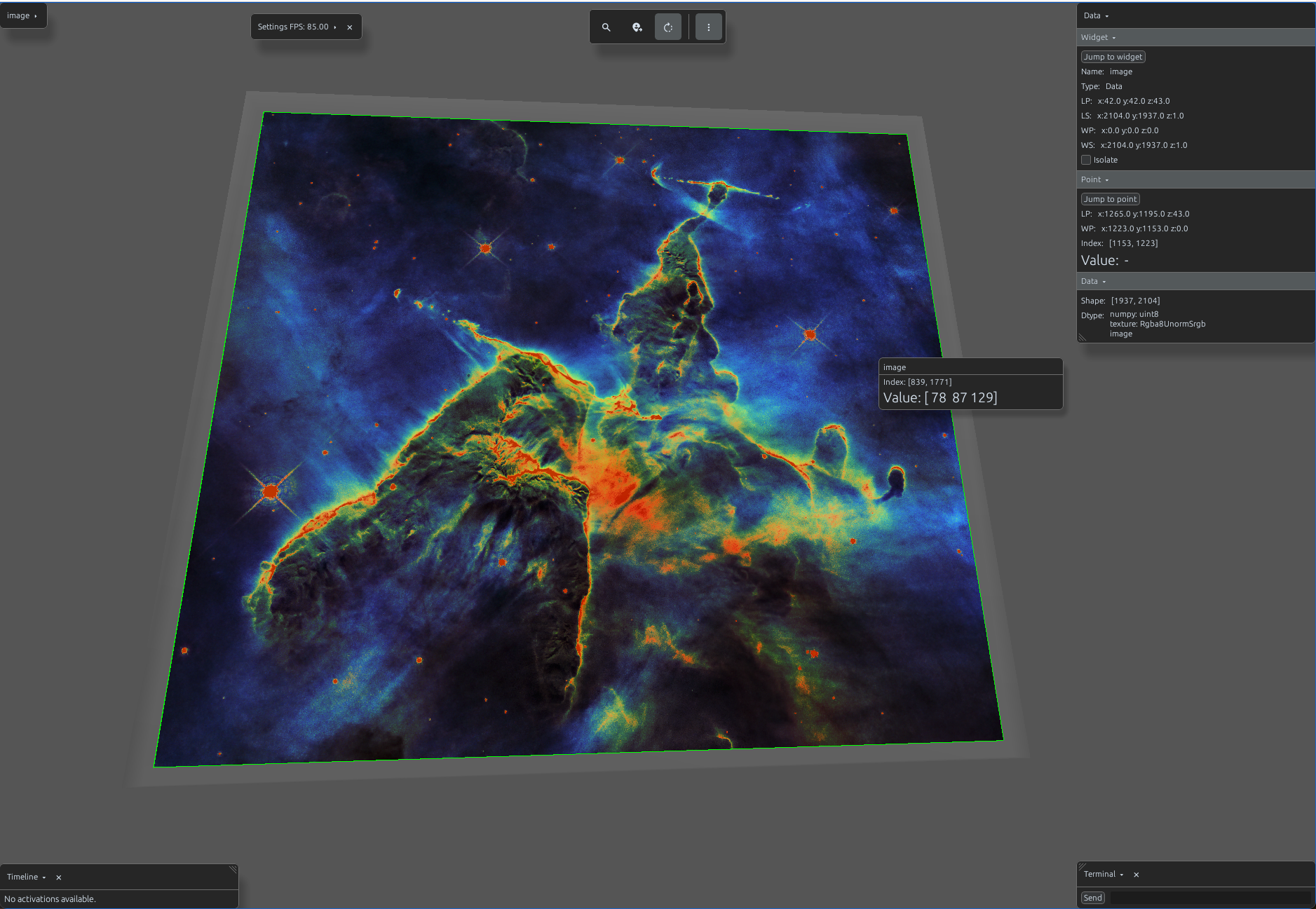
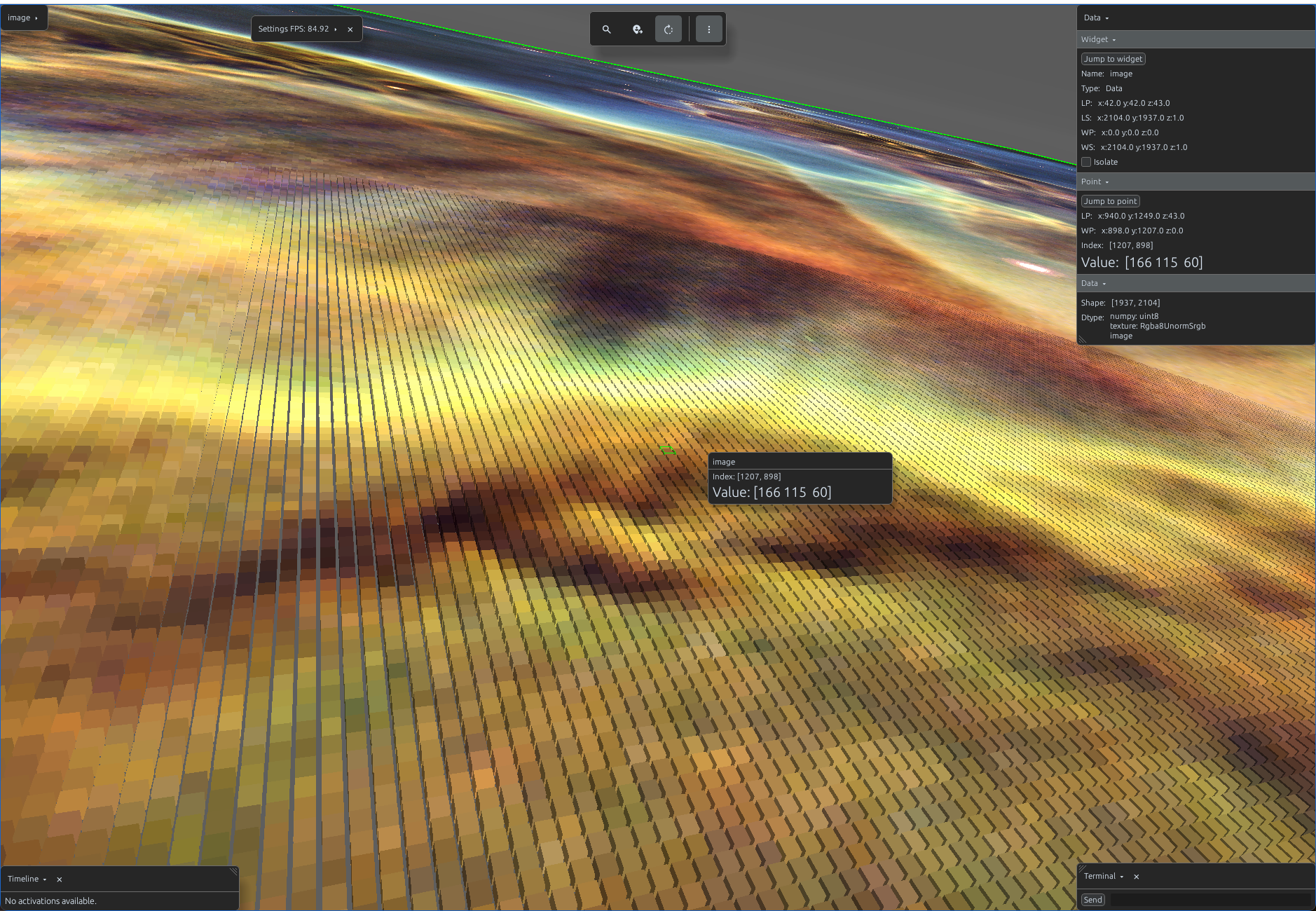
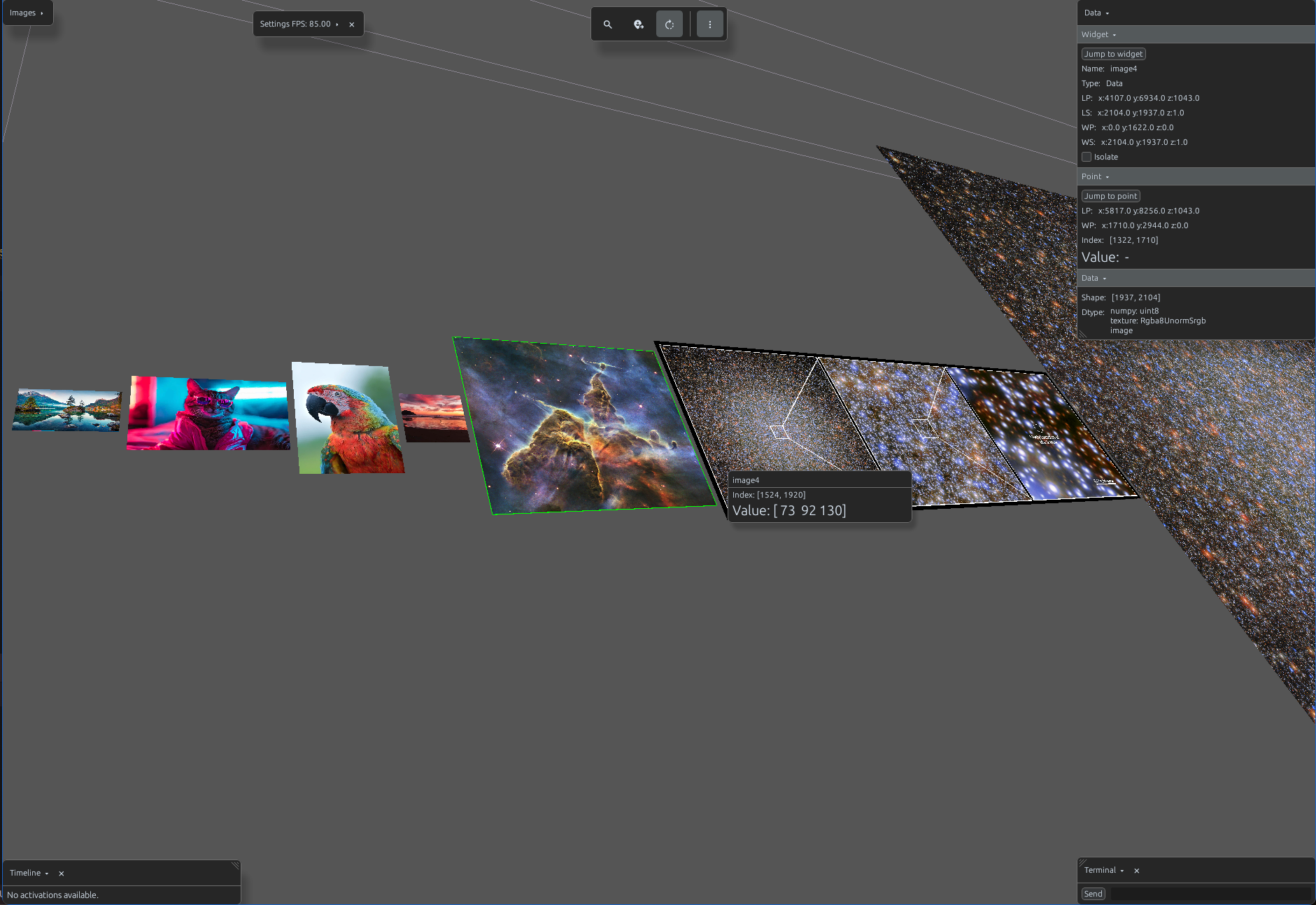
For multiple images, images allows you to pass a list of mixed-source images. The
engine tiles them in the 3D space, enabling you to rotate and zoom through entire batches.
import svetoviz_webgpu as sv

image1_url = "https://t4.ftcdn.net/jpg/02/70/3..."
image2_url = "https://www.mamp.one/wp-content/..."
image3_url = "https://img.freepik.com/free-photo/..."
filepath1 = "random_images/random_image_1.jpg"
filepath2 = "/datasets/nasaimages/heic1007a.tif"
filepath3 = "/datasets/nasaimages/heic2409b.tif"
filepath4 = "/datasets/nasaimages/heic2409a.tif"

sv.images(images=[
    image1_url, image2_url, image3_url,
    filepath1, filepath2, filepath3, filepath4
])
Images processed via image and images are loaded eagerly and
streamed directly from disk to ensure low latency during inspection. You can explicitly define the
storage location for cached assets by modifying the global configuration:
# Set an environment variable for caching
import os
os.environ["SVETO_VIZ_CACHE_DIR"] = "/path/to/your/custom/cache"

import svetoviz_webgpu as sv

# Verify cache directory
current_cache = sv.get_cache_dir()
While these methods are optimized for rapid previews and medium-sized batches, they are not intended for massive datasets. For high-performance scenes containing hundreds of thousands images, utilize the Views API for tile-based, lazy-loading spatial optimization.