NumpyView
import svetoviz_webgpu as sv

view = sv.NumpyView(
        id="numpy_view_example",
        data=np.random.rand(4, 4, 32, 32).astype(np.float32),
        gap_size=10)

sv.view(view=view)The Views API provides a declarative way to organize multiple data sources into a single 3D scene. By using Layout containers, you can create structured environments for comparative analysis and large-scale dataset inspection.
The Views API is built on two primary class types: View and Layout.
Views represent individual data points, encapsulating various formats such as NumPy arrays, images, or other specialized data structures.
Layouts organize collections of views into structured 3D scenes by defining spatial relationships, such as line arrangements or grids. Layouts are inherently composable, allowing you to nest them within one another to build complex, multi-tiered visual environments.
import svetoviz_webgpu as sv
view = sv.NumpyView(
id="numpy_view_example",
data=np.random.rand(4, 4, 32, 32).astype(np.float32),
gap_size=10)
sv.view(view=view)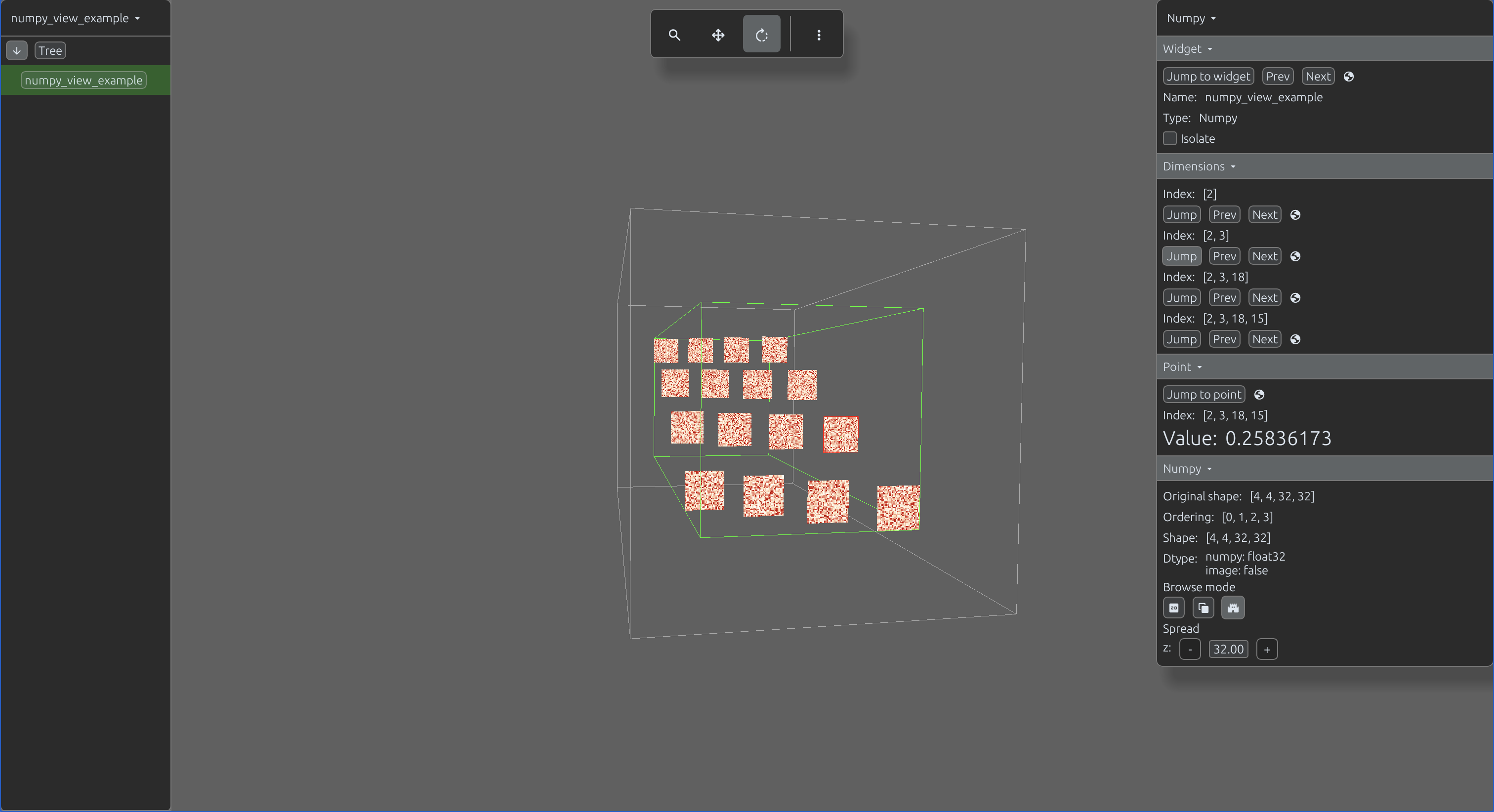
import svetoviz_webgpu as sv

image = Image.open(BytesIO(requests.get(IMAGE_URL).content))
data = np.array(image)
view = sv.NumpyView(
        id="numpy_image_channels",
        data=data,
        gap_size=10,
        ordering=(2, 0, 1))

sv.view(view=view)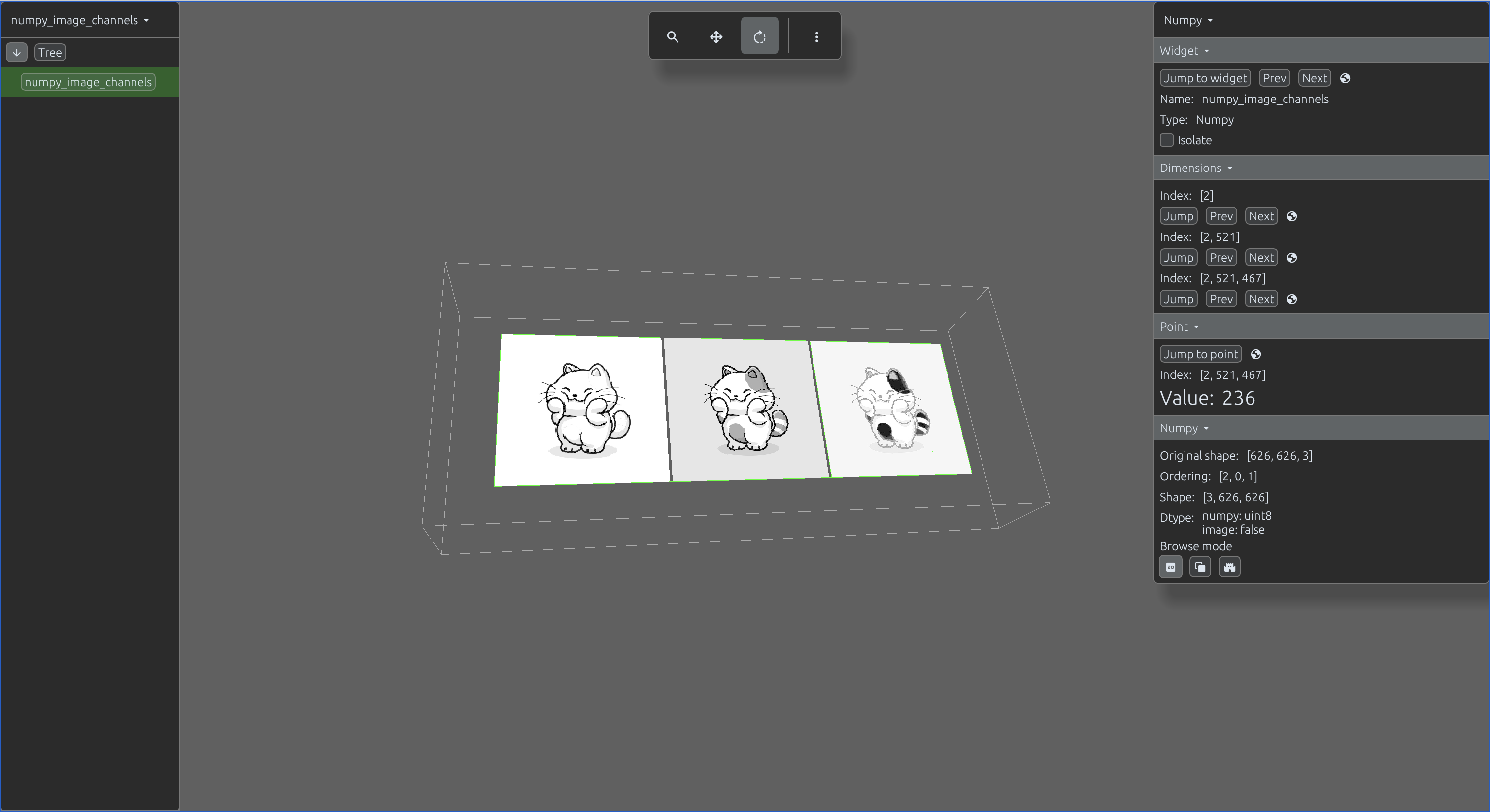
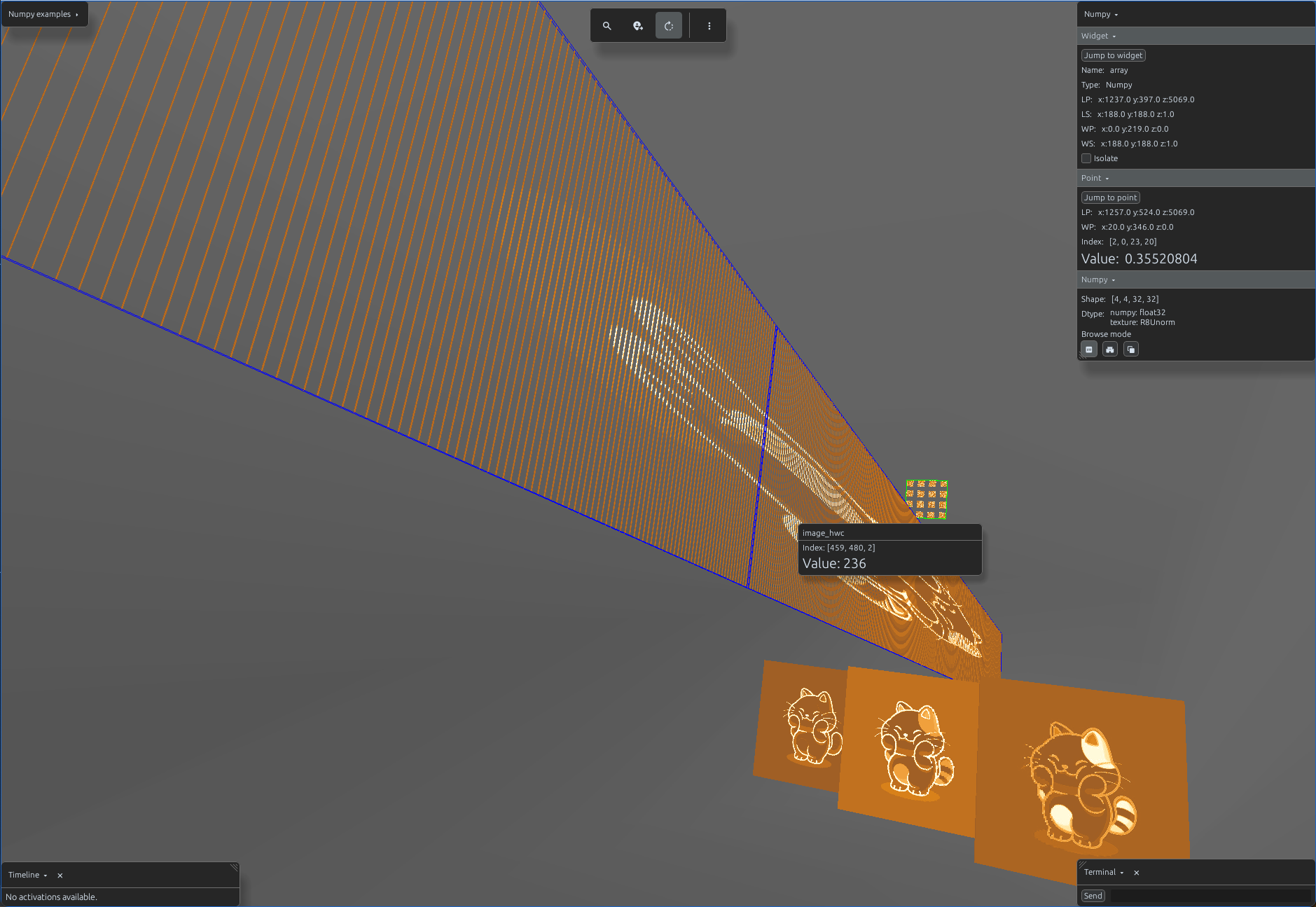
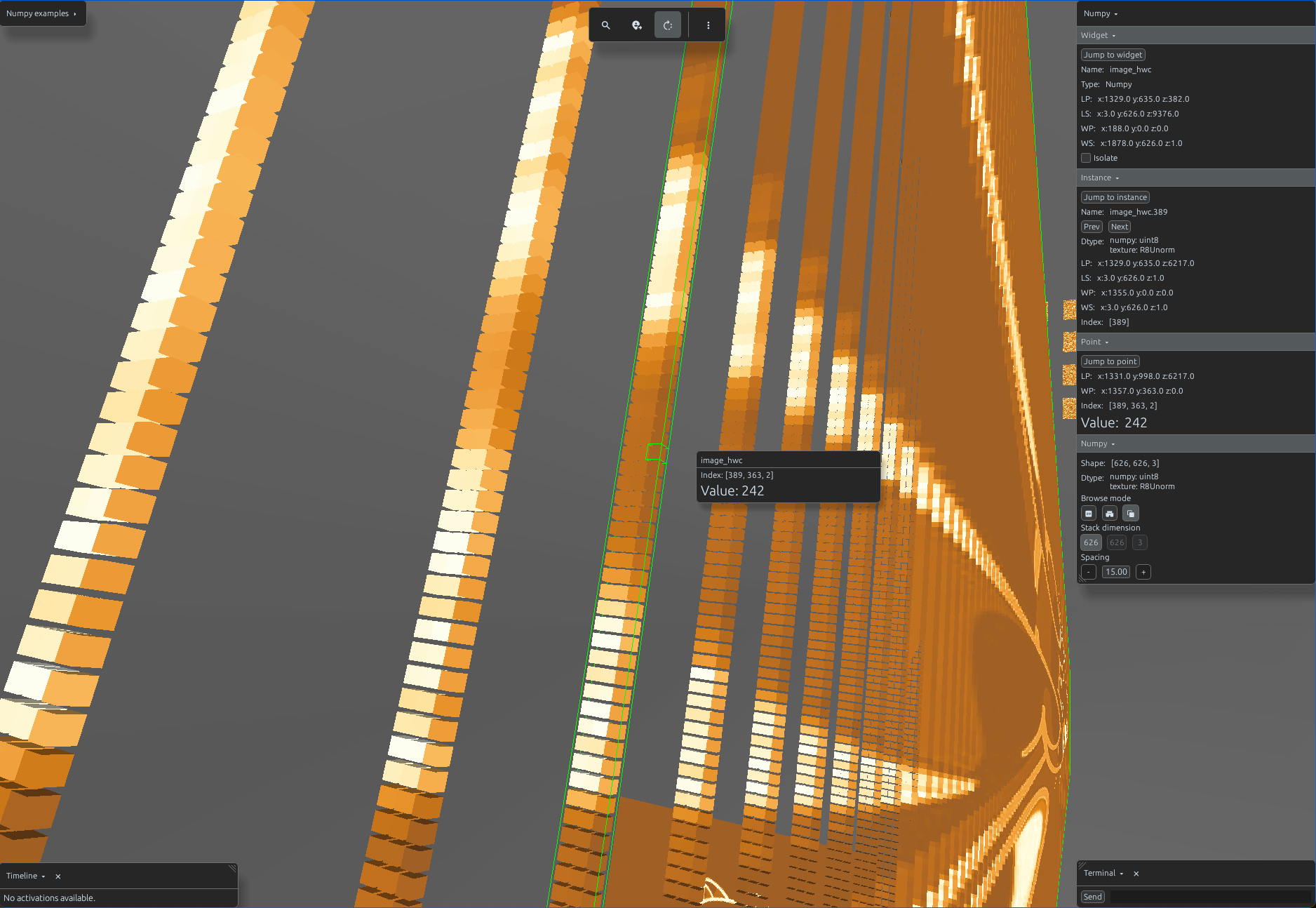
For images, use DiscImageView to stream assets directly from storage, or LazyImageView to lazy-load images into RAM only when required. Both classes accept a URL, a local file path, or a PIL image object as the source.
import svetoviz_webgpu as sv

view = sv.DiscImageView(
        id="disc_image",
        image=IMAGE_URL)

#or

view = sv.LazyImageView(
        id="lazy_image",
        image=IMAGE_URL)

sv.view(view=view)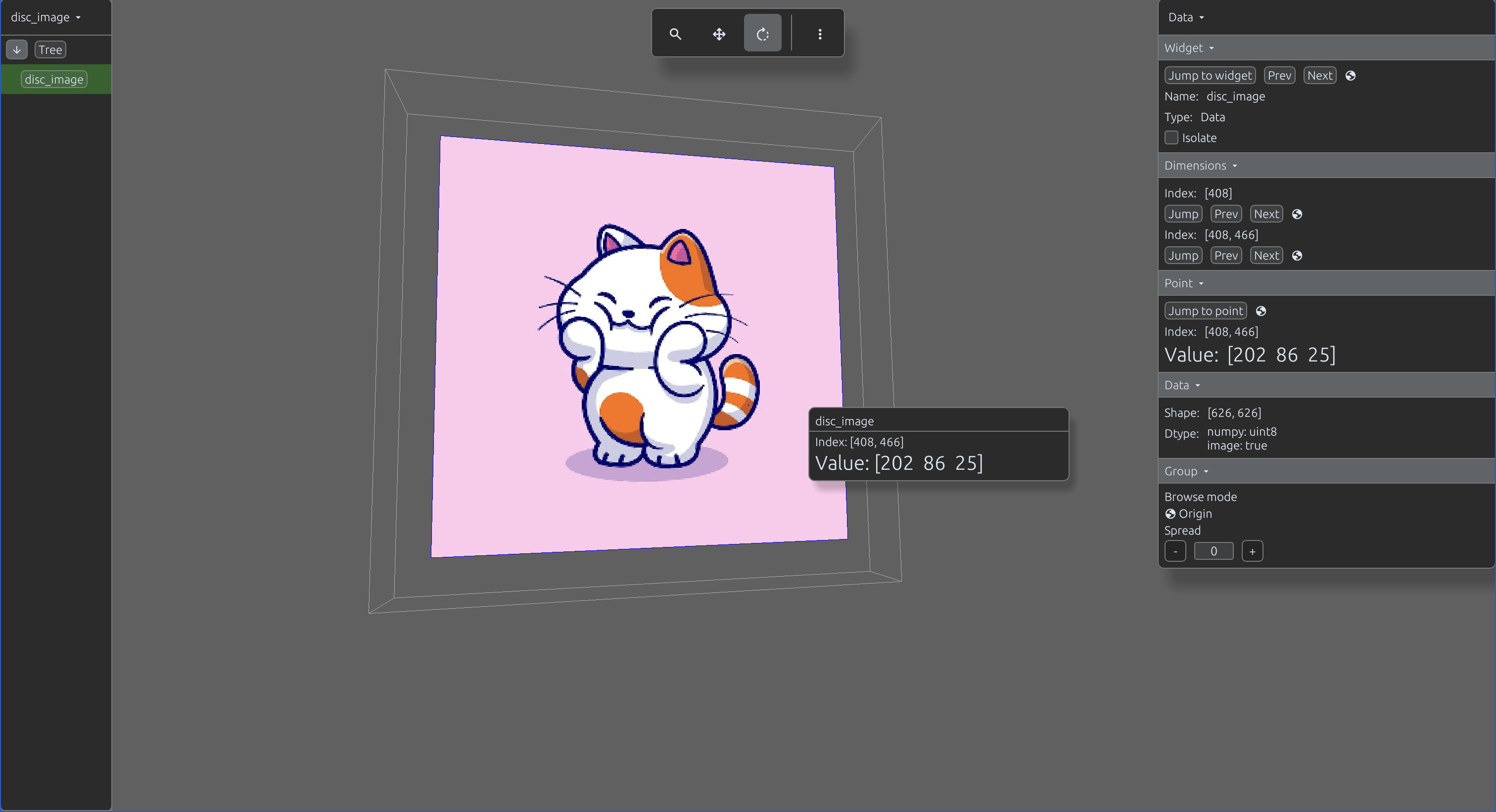
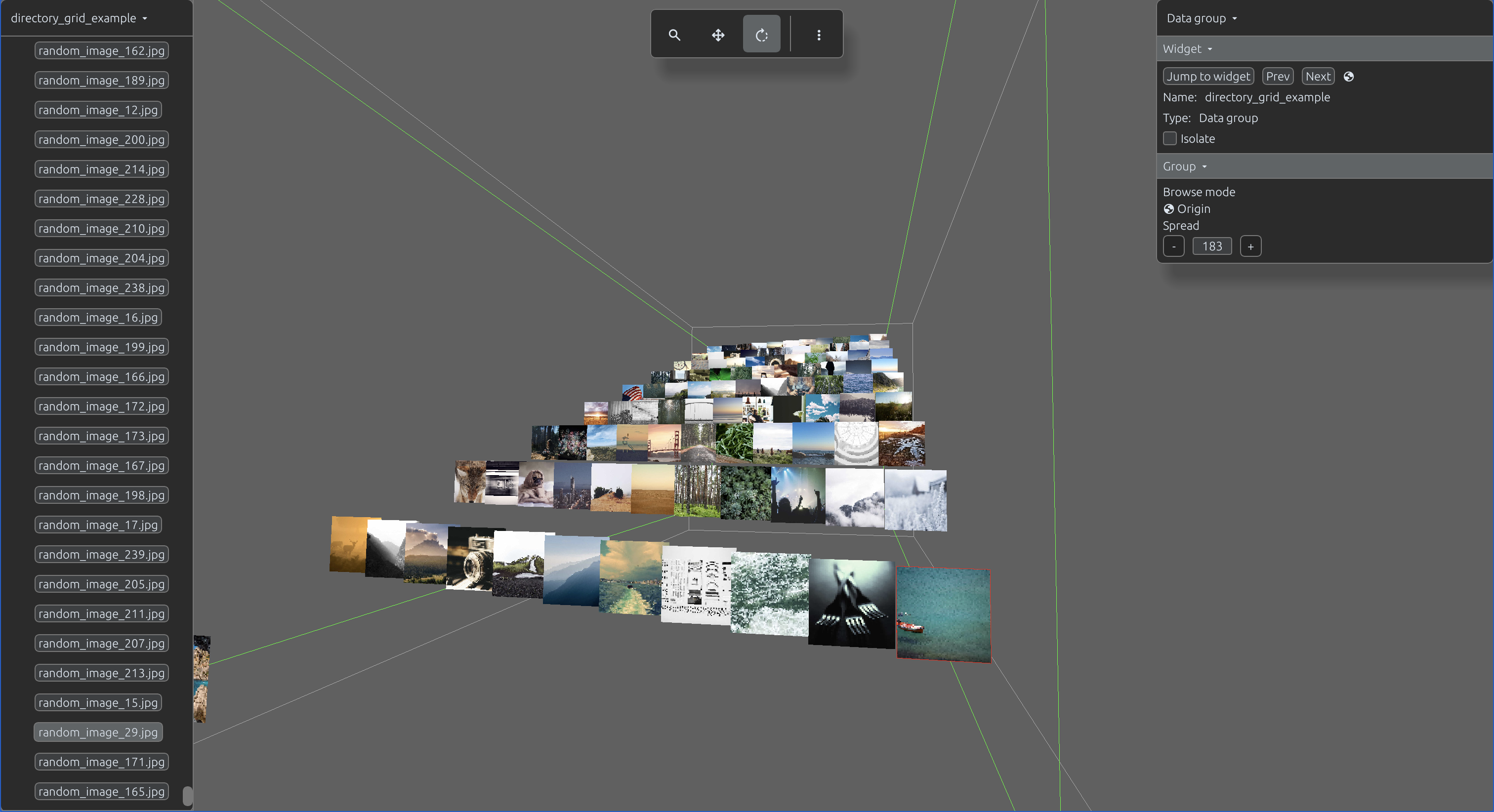
The DirectoryGridView is a specialized layout class designed to automatically load and organize an entire directory of images into a structured grid scene.
import svetoviz_webgpu as sv

# Optional function to provide searchable description per filepath
def description_func(filepath):
    return f"My description for {filepath}"

layout = sv.DirectoryGridView(
    id="directory_grid_example"
    directory=directory,
    limit=100,
    lazy=False,
    description_func=description_func
)

sv.view(view=view)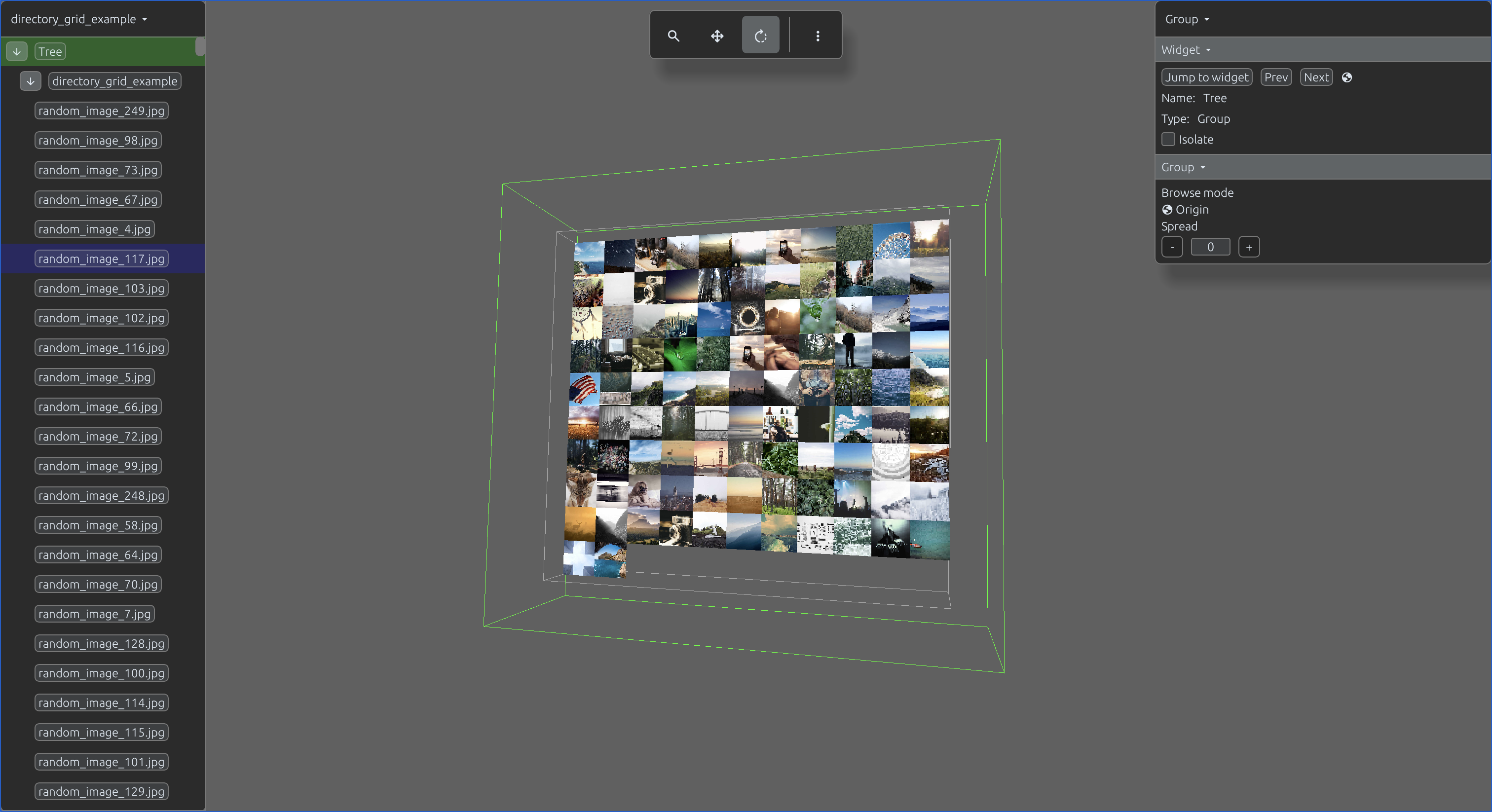
The DirectorySpiralView is a specialized layout class designed to automatically load and organize an entire directory of images into a structured spiral scene.
import svetoviz_webgpu as sv

# Optional function to provide searchable description per filepath
def description_func(filepath):
    return f"My description for {filepath}"

layout = sv.DirectorySpiralView(
    id="directory_spiral_view"
    directory=directory,
    limit=100,
    lazy=False,
    description_func=description_func
)

sv.view(view=view)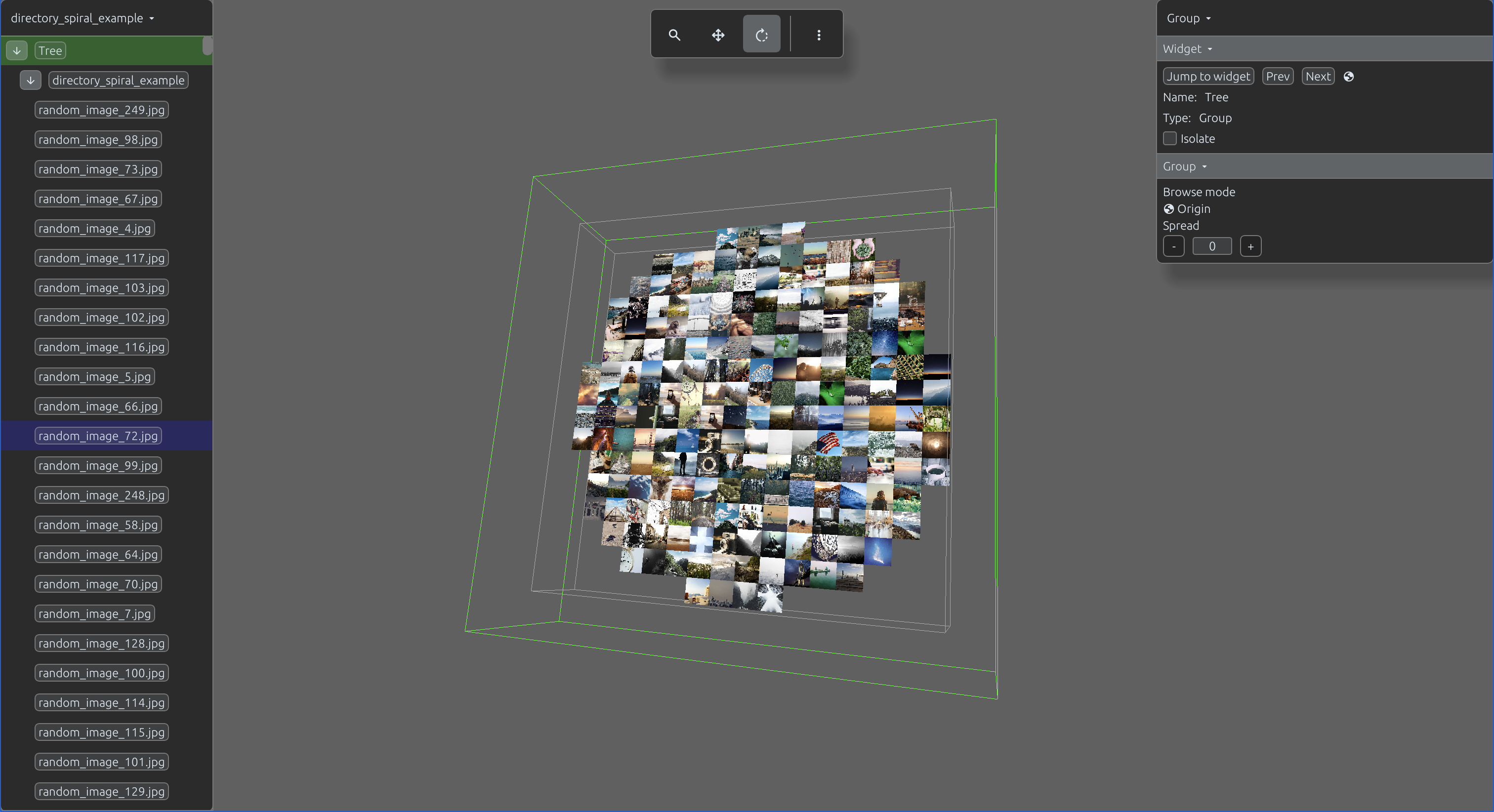
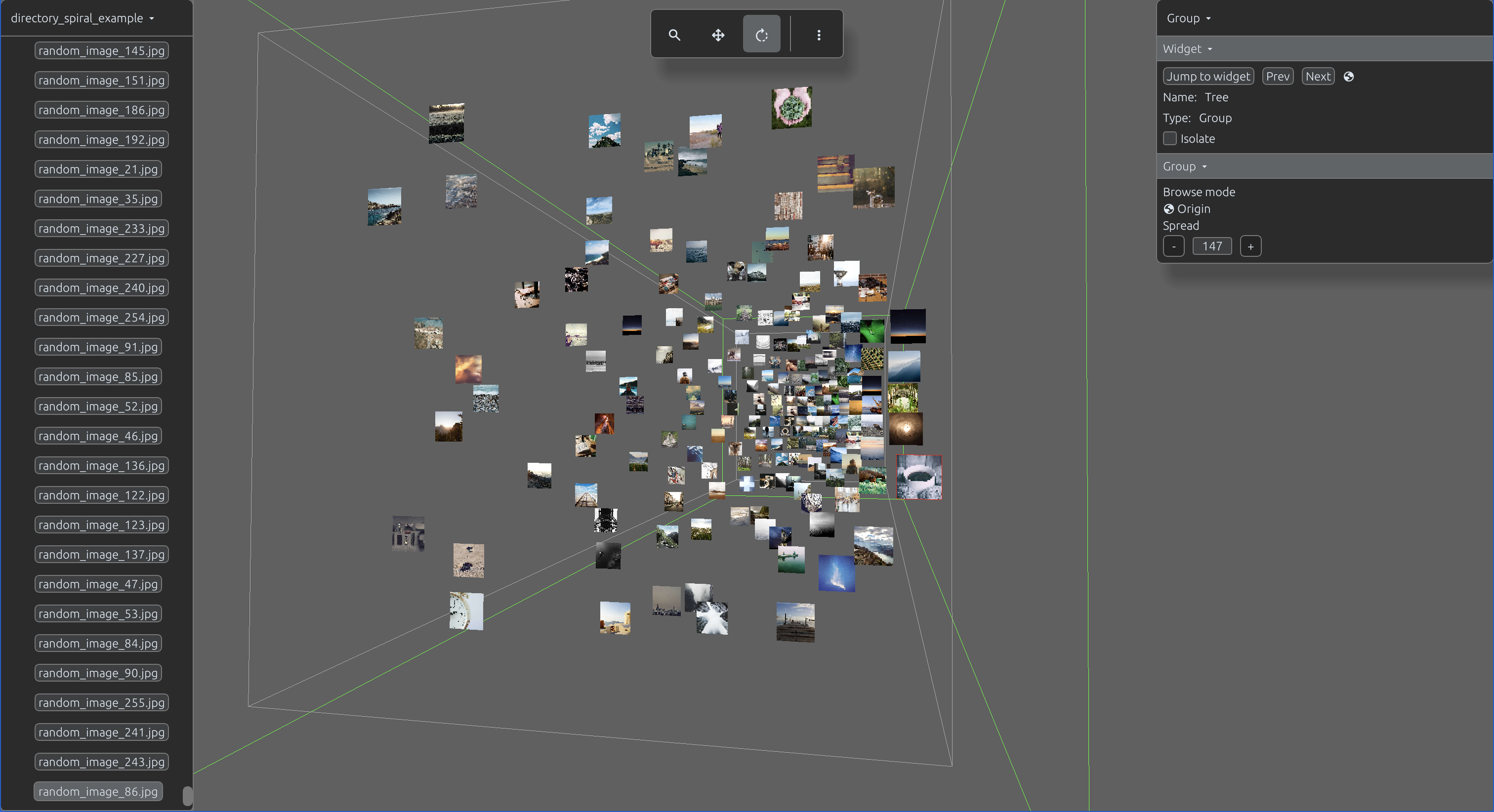
The DatasetView enables the integration of Hugging Face datasets directly into your scene. It automatically processes a dataset object and renders its entries into a structured grid of images.
You will learn more about DatasetView in the next section
import svetoviz_webgpu as sv

hf_name = "Dewa/Dog_Emotion_Dataset_v2"
dataset = load_dataset(hf_name, split="train")
subset = dataset.select(range(100))

layout = DatasetView(
    id=hf_name,
    dataset=dataset,
    info_columns=["emotion"],
    image_columns=["image"],
    cell_width=400,
    cell_height=400
)

sv.view(view=view)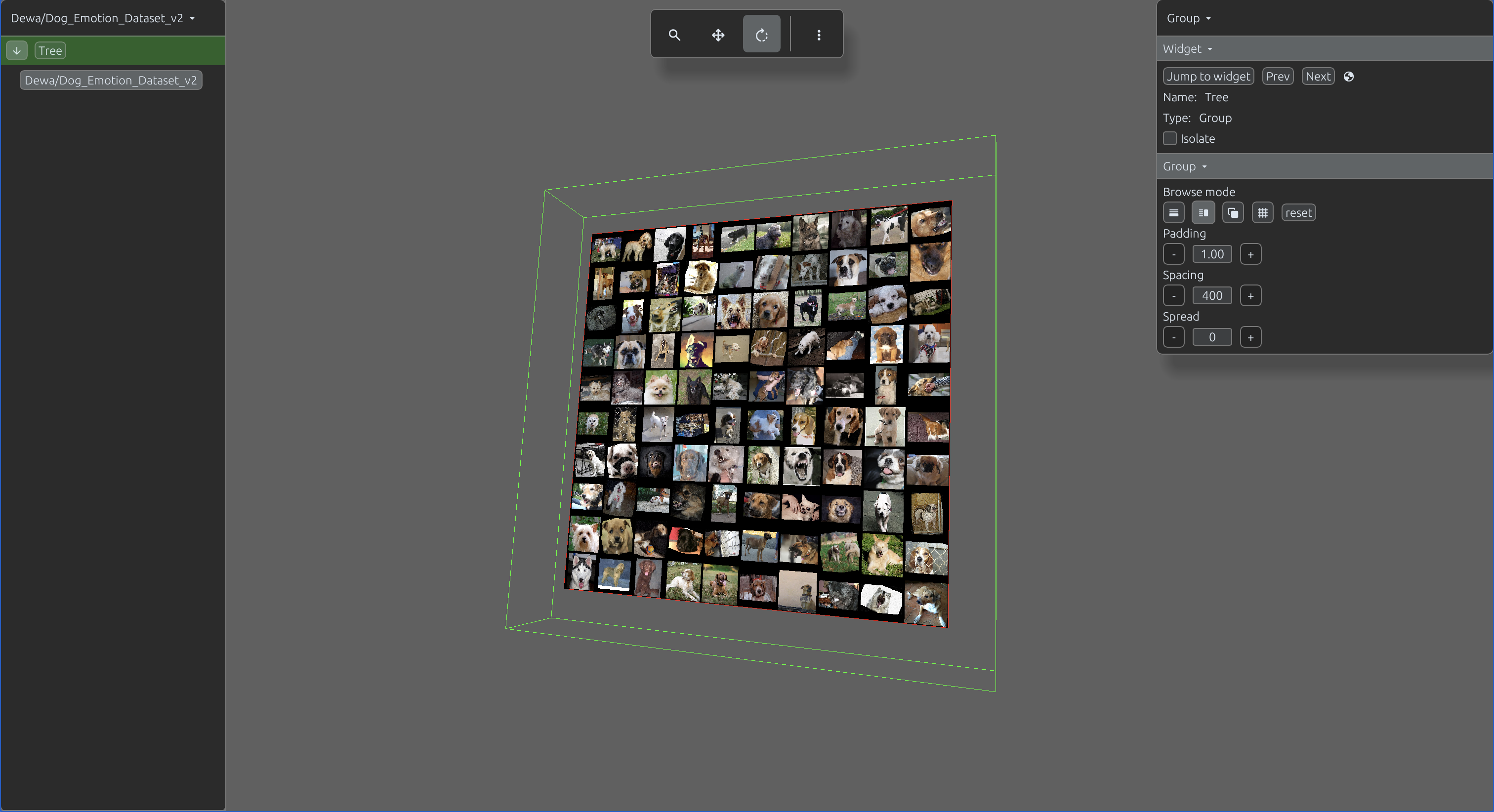
The VerticalLayout arranges its child views in a linear vertical stack.
import svetoviz_webgpu as sv
numpy_array = np.random.rand(4, 4, 32, 32).astype(np.float32)
image = Image.open(BytesIO(requests.get(IMAGE_URL).content))
image_array = np.array(image)

layout = sv.VerticalLayout(
    id="vertical_layout_example",
    views=[
        sv.NumpyView(
            id="array",
            data=numpy_array,
            gap_size=10,
            ordering=None),
        sv.NumpyView(
            id="image_array",
            data=image_array,
            gap_size=10,
            ordering=(2, 0, 1)),
        sv.DiscImageView(
            id="disc_image",
            image=image),
        sv.LazyImageView(
            id="lazy_image",
            image=image)
        ],
    )

sv.view(view=view)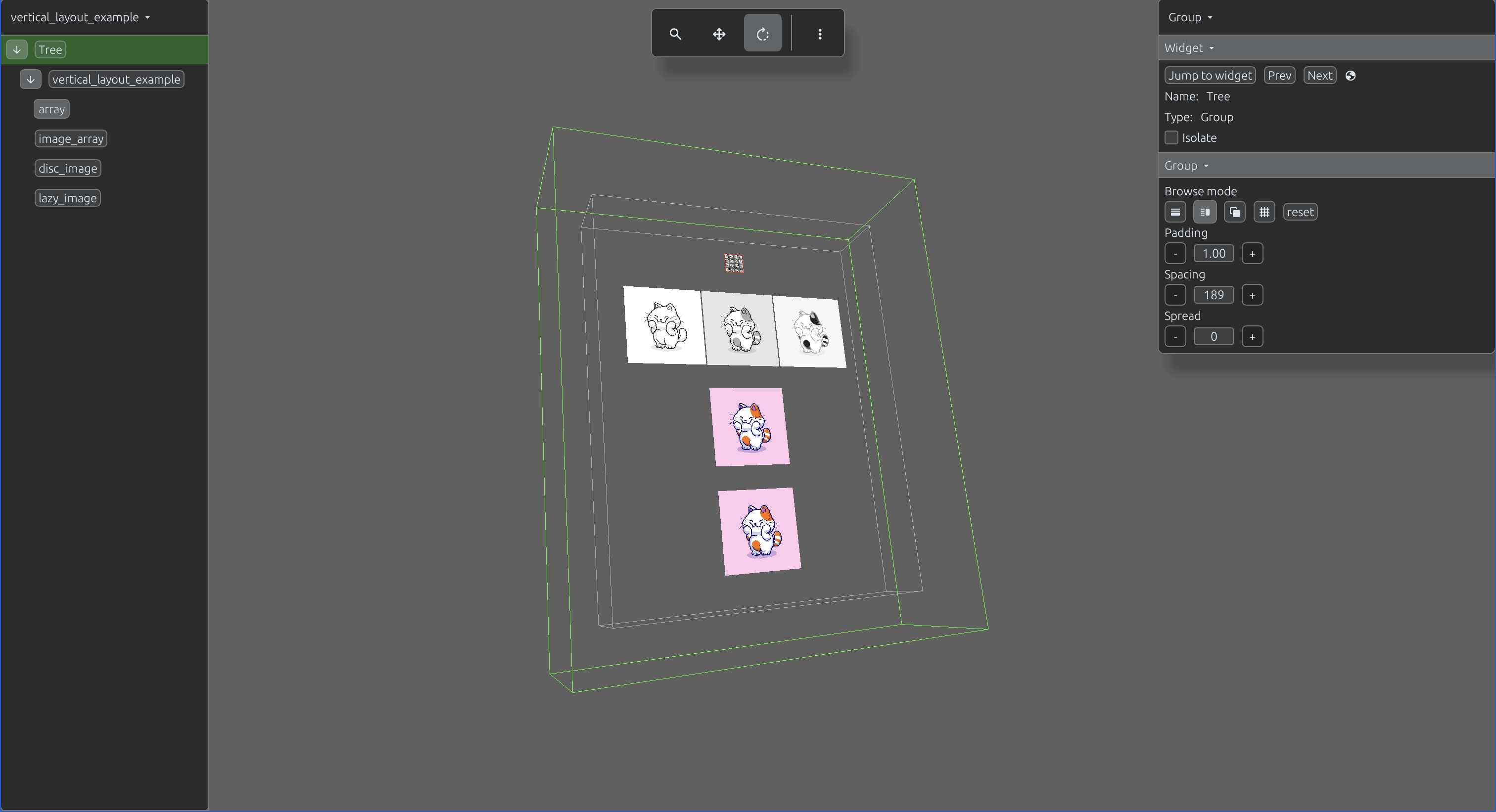
The HorizontalLayout arranges its child views in a linear horizontal stack.
import svetoviz_webgpu as sv

numpy_array = np.random.rand(4, 4, 32, 32).astype(np.float32)
image = Image.open(BytesIO(requests.get(IMAGE_URL).content))
image_array = np.array(image)

layout = sv.HorizontalLayout(
    id="layout",
    title="Horizontal layout",
    views=[
        sv.NumpyView(
            id="array",
            data=numpy_array,
            gap_size=10),
        sv.NumpyView(
            id="image_array",
            data=image_array,
            gap_size=10,
            ordering=(2, 0, 1)),
        sv.DiscImageView(
            id="disc_image",
            image=image),
        sv.LazyImageView(
            id="lazy_image",
            image=image)
    ],
)

sv.view(view=view)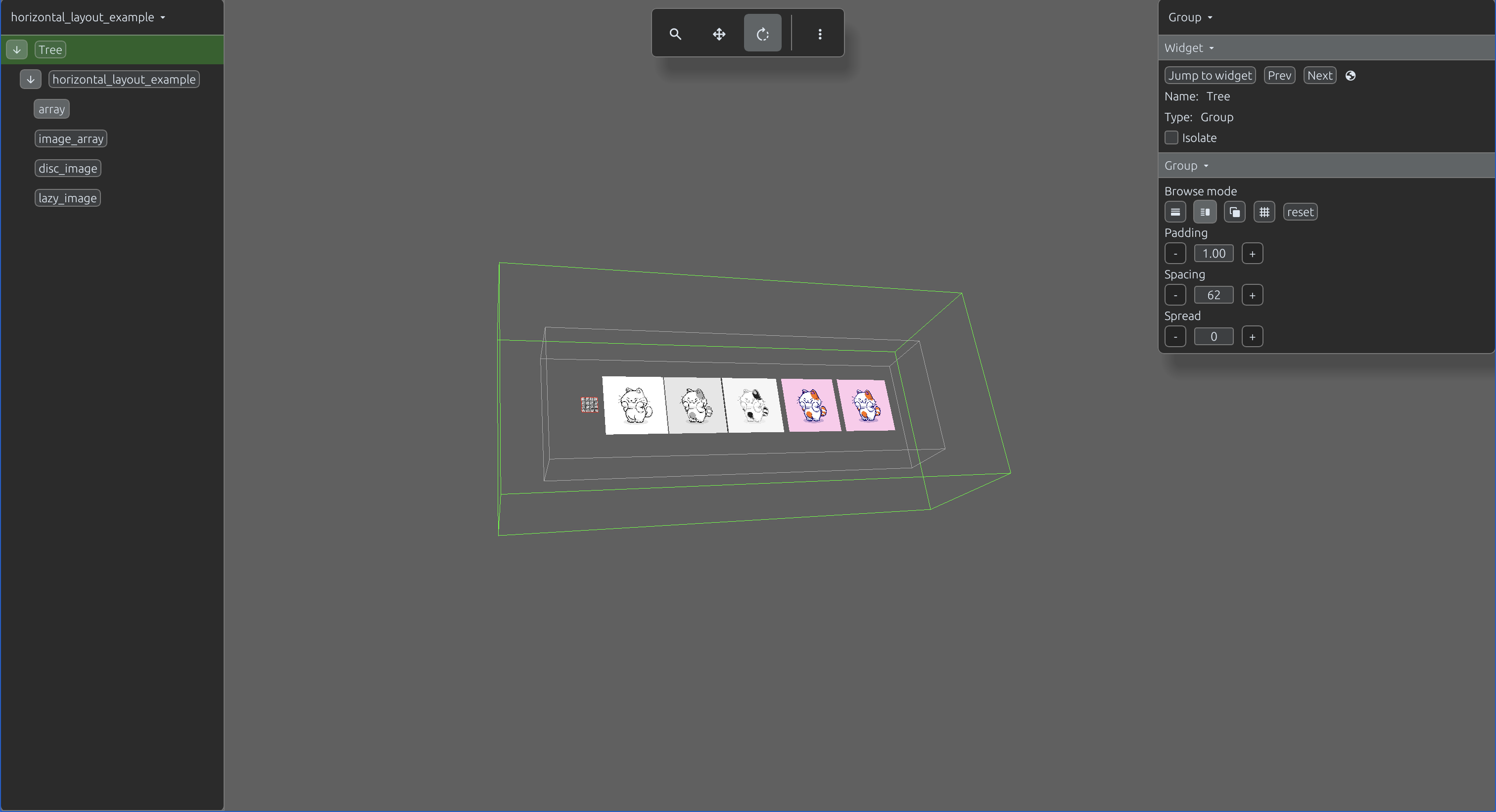
The GridLayout arranges its child views in a grid.
import svetoviz_webgpu as sv

directory = "downloaded_images"
image_sources = []
for root, dirs, files in os.walk(directory):
    for file in files:
        image_sources.append(os.path.join(root, file))
image_views = [
    DiscImageView(id=f"img_{i}", image=src)
    # or sv.LazyImageView(id=f"img_{i}", path=src)
    for i, src in enumerate(image_sources)
]
grid = GridLayout(id="grid_layout_example", views=image_views)
SvetoVizWebGPU.view(grid)

sv.view(view=view)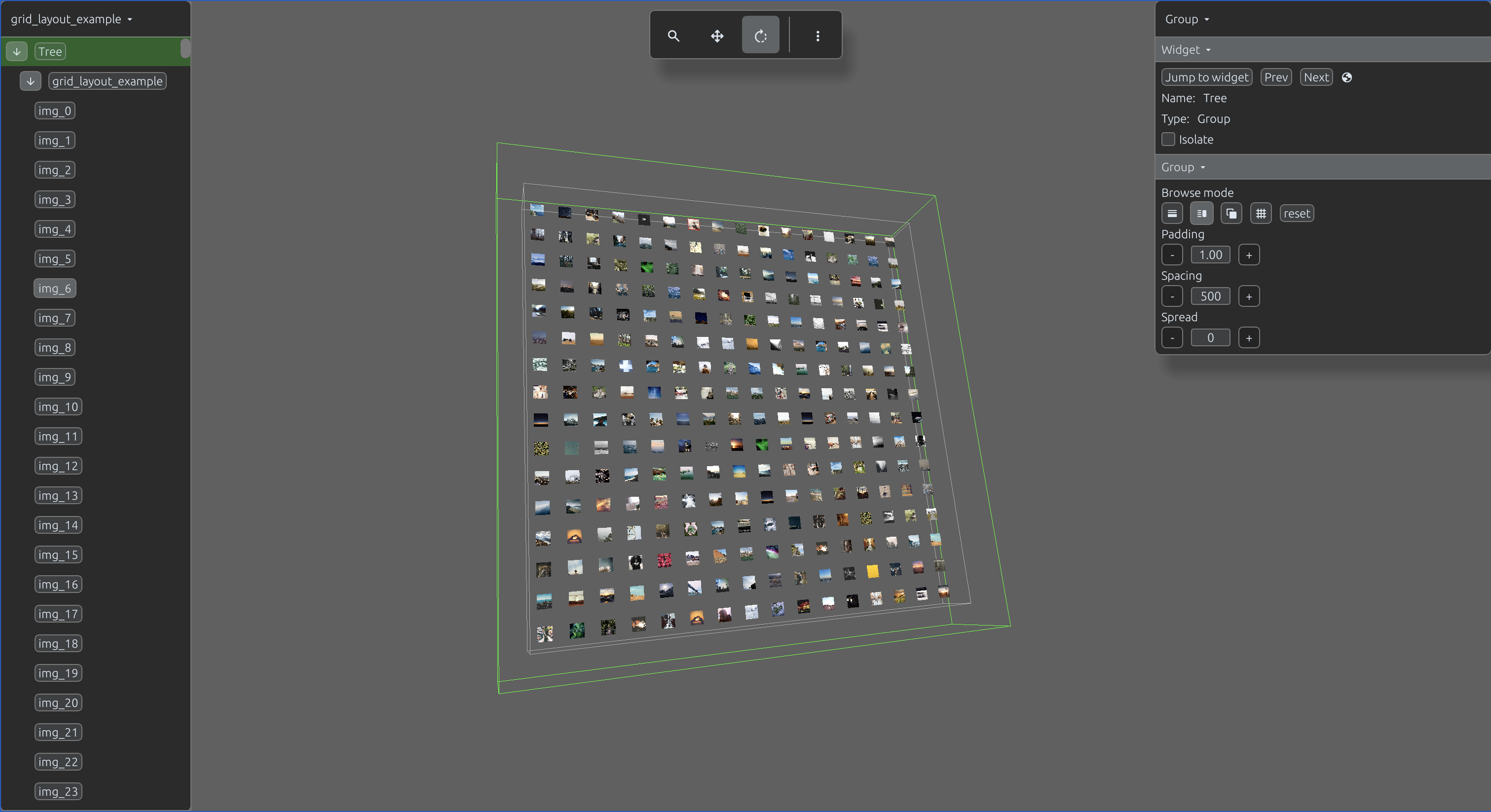
Layouts can be nested to create complex, multi-tiered scenes. Each layout object accepts an optional title argument; when provided, the title is rendered as an additional child at the beginning of the collection, adhering to the parent's defined spatial positioning.
import svetoviz_webgpu as sv

disc_image = DiscImageView(
    id="disc_image",
    image="sample_image.jpg")

lazy_image = LazyImageView(
    id="lazy_image",
    image="sample_image.jpg")

array = NumpyView(
    id="array",
    data=np.random.rand(4, 32, 4, 245, 245).astype(np.float32),
    gap_size=10)

images_directory = "downloaded_images"

dir_spiral_view = DirectorySpiralView(
    id="dir_spiral",
    directory=images_directory,
    limit=100,
    lazy=False
)
dir_grid_view = DirectoryGridView(
    id="dir_grid",
    directory=images_directory,
    limit=100,
    lazy=False
)

hf_name = "Dewa/Dog_Emotion_Dataset_v2"
dataset = load_dataset(hf_name, split="train")
subset = dataset.select(range(500))
subset2 = dataset.select(range(500, 1000))

subset_view_1 = DatasetView(
    id="subset1",
    dataset=subset,
    image_columns=["image"],
    info_columns=["emotion"],
    cell_width=400,
    cell_height=400
)
subset_view_2 = DatasetView(
    id="subset2",
    dataset=subset2,
    image_columns=["image"],
    info_columns=["emotion"],
    cell_width=400,
    cell_height=400
)

array_container = VerticalLayout(
    id="Numpy",
    title="Numpy",
    views=[array])
image_container = VerticalLayout(
    id="Image",
    title="Images",
    views=[disc_image, lazy_image])
directory_grid_container = VerticalLayout(
    id="directory_grid_id",
    title="Directory grid view",
    views=[dir_grid_view])
directory_spiral_container = VerticalLayout(
    id="directory_spiral_id",
    title="Directory spiral view",
    views=[dir_spiral_view])
subset_1_container = VerticalLayout(
    id="dataset_subset_1",
    title="Subset 1",
    views=[subset_view_1])
subset_2_container = VerticalLayout(
    id="dataset_subset_2",
    title="Subset 2",
    views=[subset_view_2])

layout = GridLayout(
        id="parent_layout",
        views=[
            image_container,
            array_container,
            directory_grid_container,
            directory_spiral_container,
            subset_1_container,
            subset_2_container]
    )

sv.view(view=view)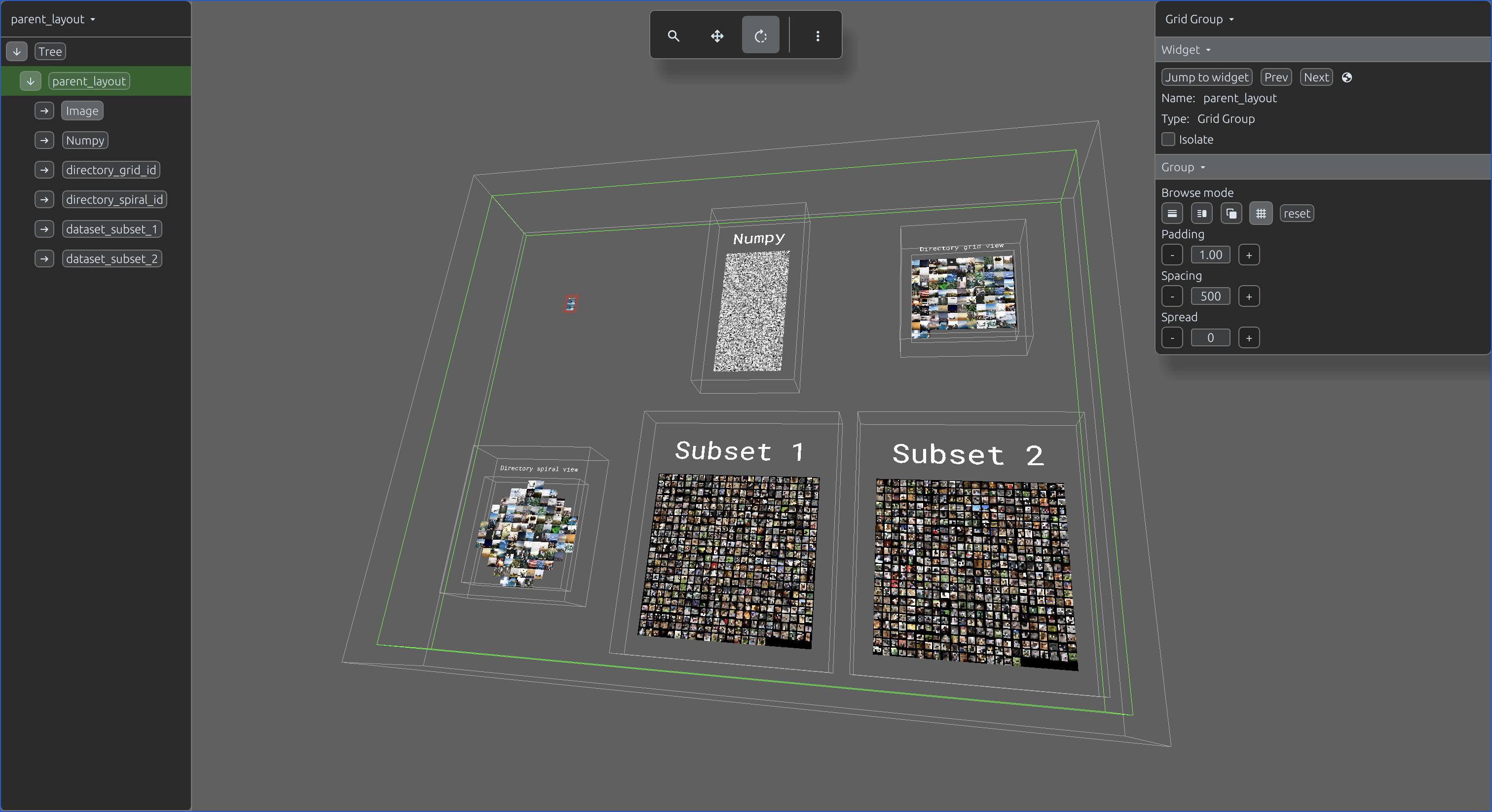
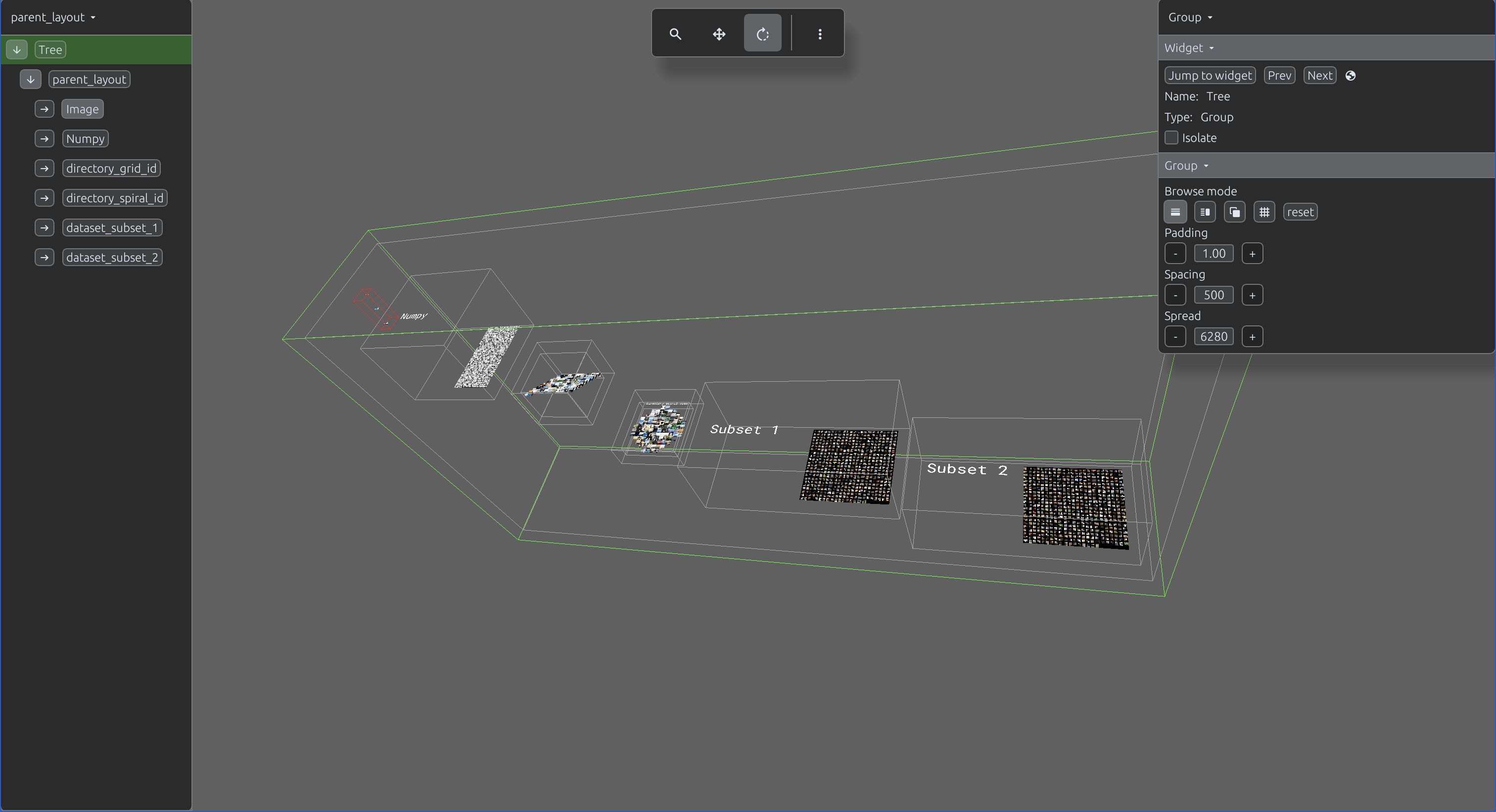
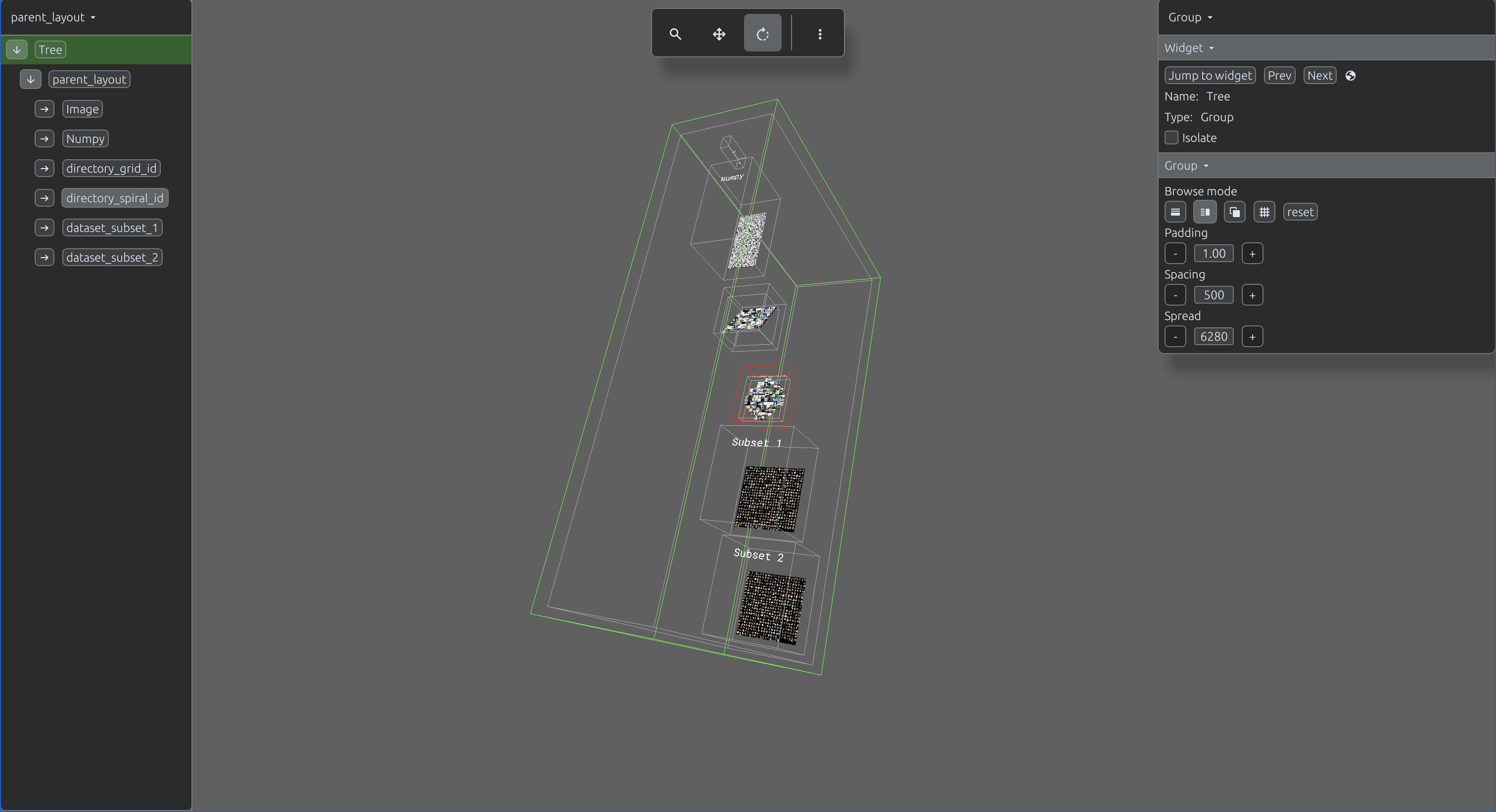
You can switch between different layout types at any time directly through the web interface. Additionally, you can dynamically modify properties such as spacing, padding, and spread to refine the spatial organization of your scene.
Displaying a scene with view is typically sufficient for scenes containing a small
number of data points. For large-scale scenes, build your scene offline. Once the scene is built,
you can launch it directly from the directory without requiring access to the original source data.
This example demonstrates building a unified scene from the complete ESA/Hubble and ESA/Webb image catalogs in maximum quality.
import svetoviz_webgpu as sv

images_directory = "/Users/piotrgryko/Desktop/nasaimages"
config_file_path = os.path.join(images_directory, "config.json")

scraped_data = {}
with open(config_file_path, "r", encoding="utf-8") as f:
    scraped_data = json.load(f)

def description_func(filepath):
    filename = os.path.basename(filepath)
    name_without_ext = os.path.splitext(filename)[0]
    metadata = scraped_data.get(name_without_ext, {})
    lines = []
    for key, value in metadata.items():
        lines.append(f"{key}: {value}")
    return "\n\n".join(lines)

layout = DirectorySpiralView(
    id="Galaxy",
    directory=images_directory,
    lazy=True,
    description_func=description_func
)

# Export to persistent storage
sv.save_to_disc(
    view=layout,
    threaded=True,
    directory="output/space_scene",
    compression="jpeg_0"
)
Once the build is complete, launch the interactive 3D environment directly from the directory:
import svetoviz_webgpu as sv

sv.load_from_disc(directory="output/space_scene")
Alternatively, you can process the scene further and generate a PMTiles file for remote hosting and streaming.
import svetoviz_webgpu as sv

# Create PMTiles file inside the scene directory
sv.build_pmtiles_file(
    directory="output/space_scene"
)
After uploading the generated PMTiles file to a remote server, you can browse the scene from anywhere without distributing the original dataset.
import svetoviz_webgpu as sv

db_file = "output/space_scene/tree.db"
url = "your remote pmtiles file url"

layout = sv.RemotePmTilesLayout(
    id="universe",
    pm_tiles_url=url,
    tree_db_file=db_file
)

sv.view(layout)