single_array.py
import svetoviz_webgpu as sv

data = np.random.rand(4, 4, 32, 32).astype(np.float32)

sv.array(data, gap_size=10)The core of Svetoviz is its ability to handle raw NumPy arrays of any dimension and data type. Whether you are inspecting a single tensor or a collection of disparate arrays, the engine provides 3D spatial awareness for every element.
Use array to project a single NumPy array into the 3D scene. The
gap_size parameter allows you to control the visual spacing between high-dimensional
slices, making it easier to identify patterns across tensors.
import svetoviz_webgpu as sv
data = np.random.rand(4, 4, 32, 32).astype(np.float32)
sv.array(data, gap_size=10)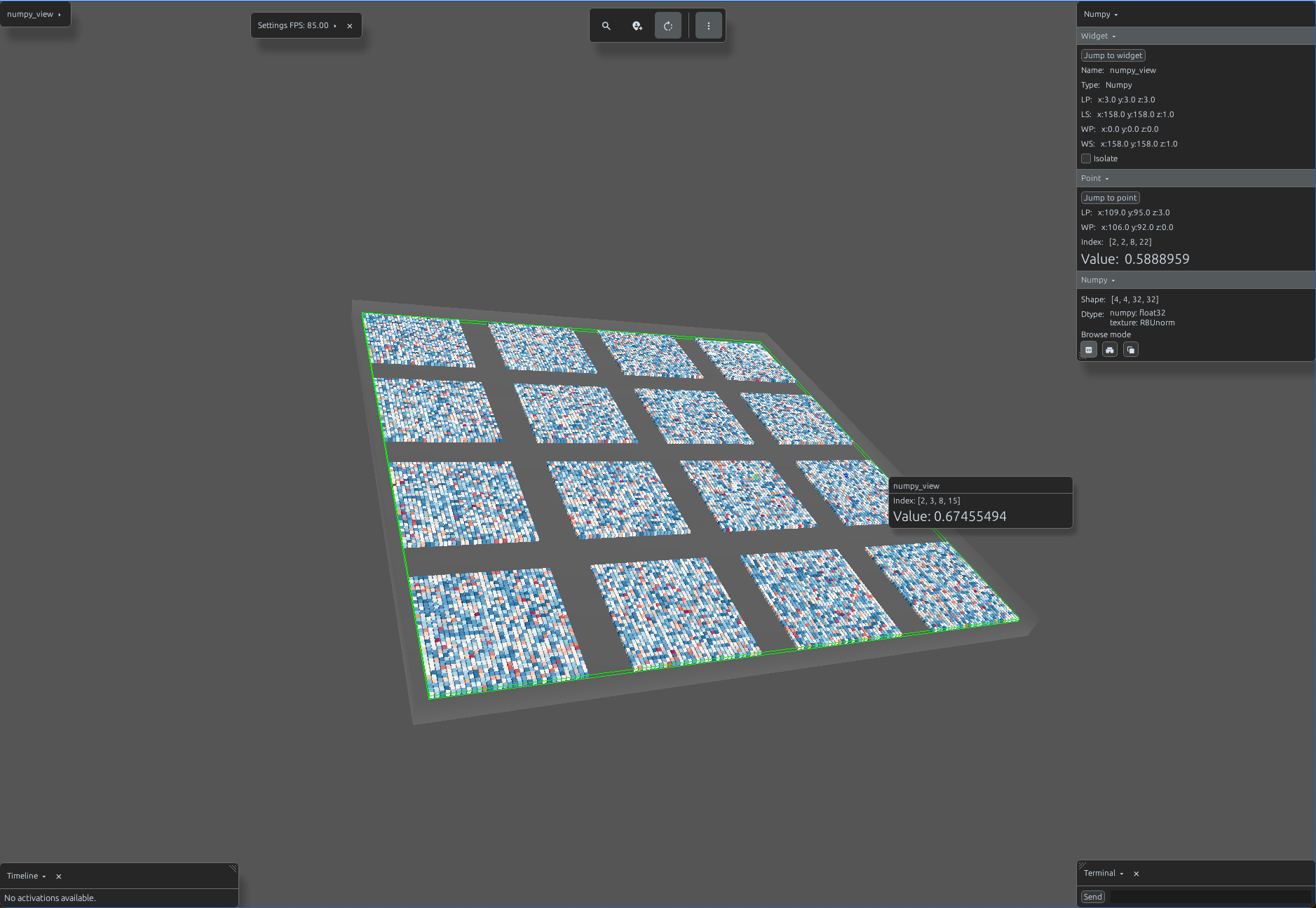
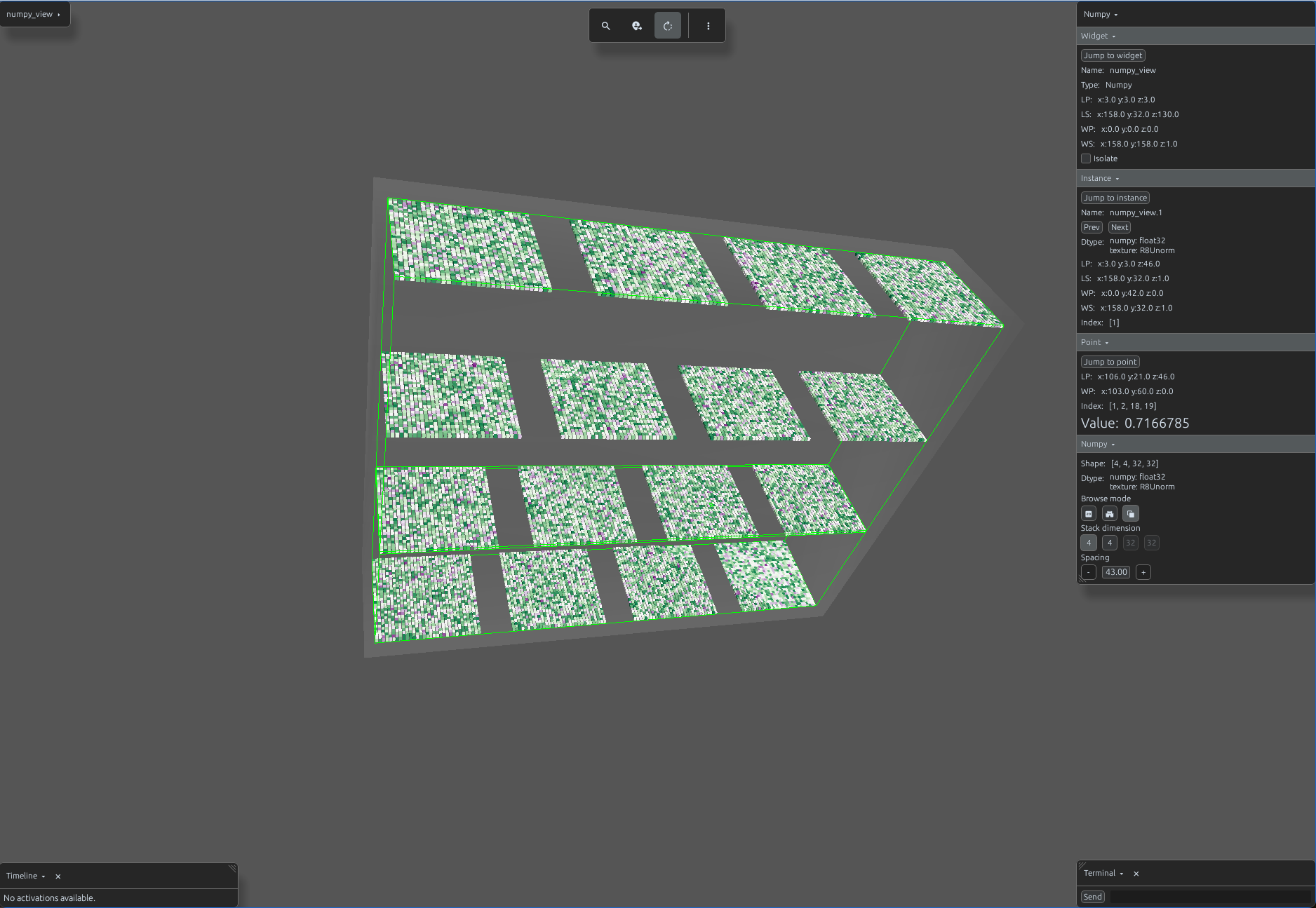
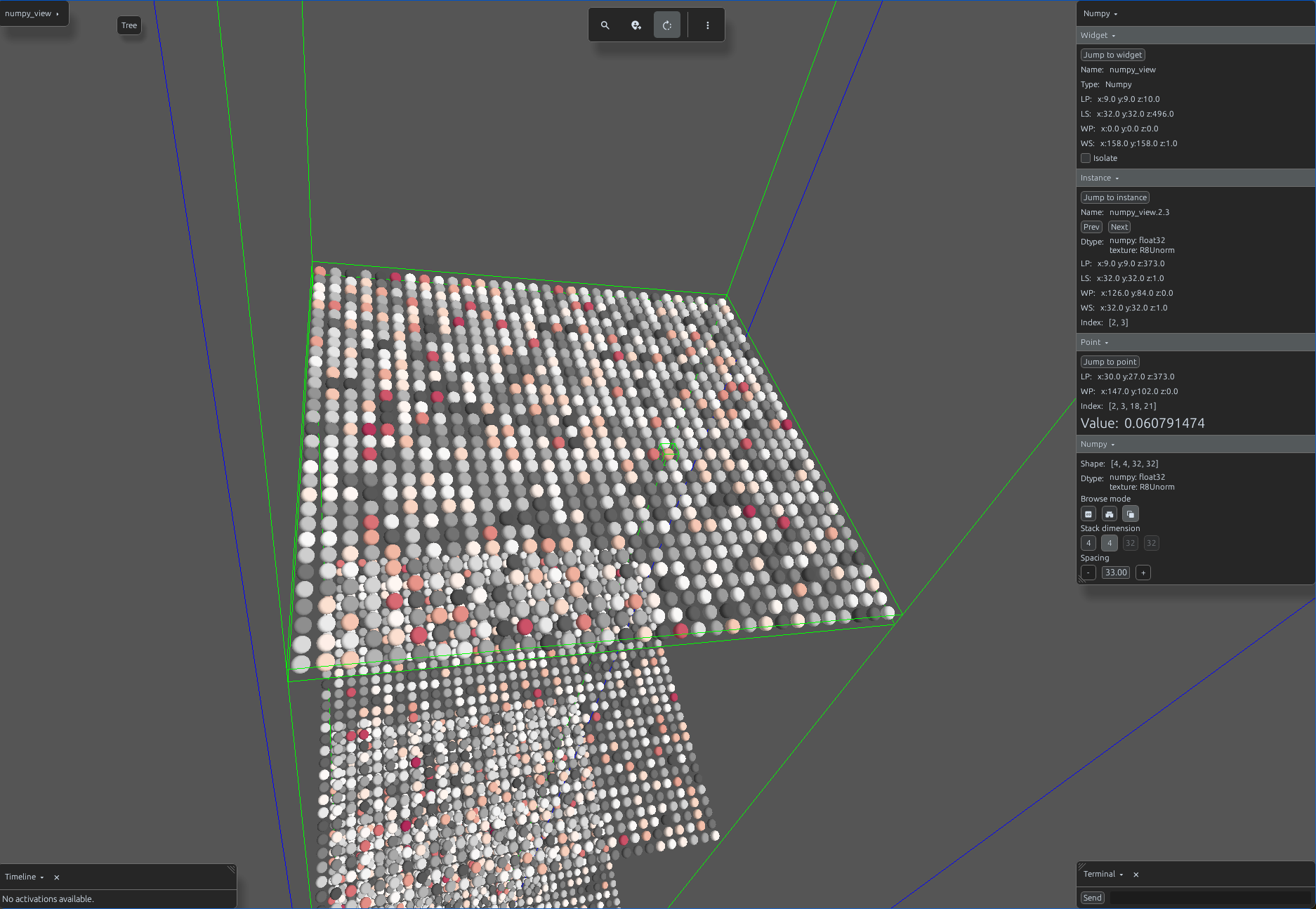
Svetoviz handles high-dimensional tensors by "stacking" them along specific axes. This transforms multidimensional data into a physical 3D structure where numerical values are mapped to visual gradients in real-time.
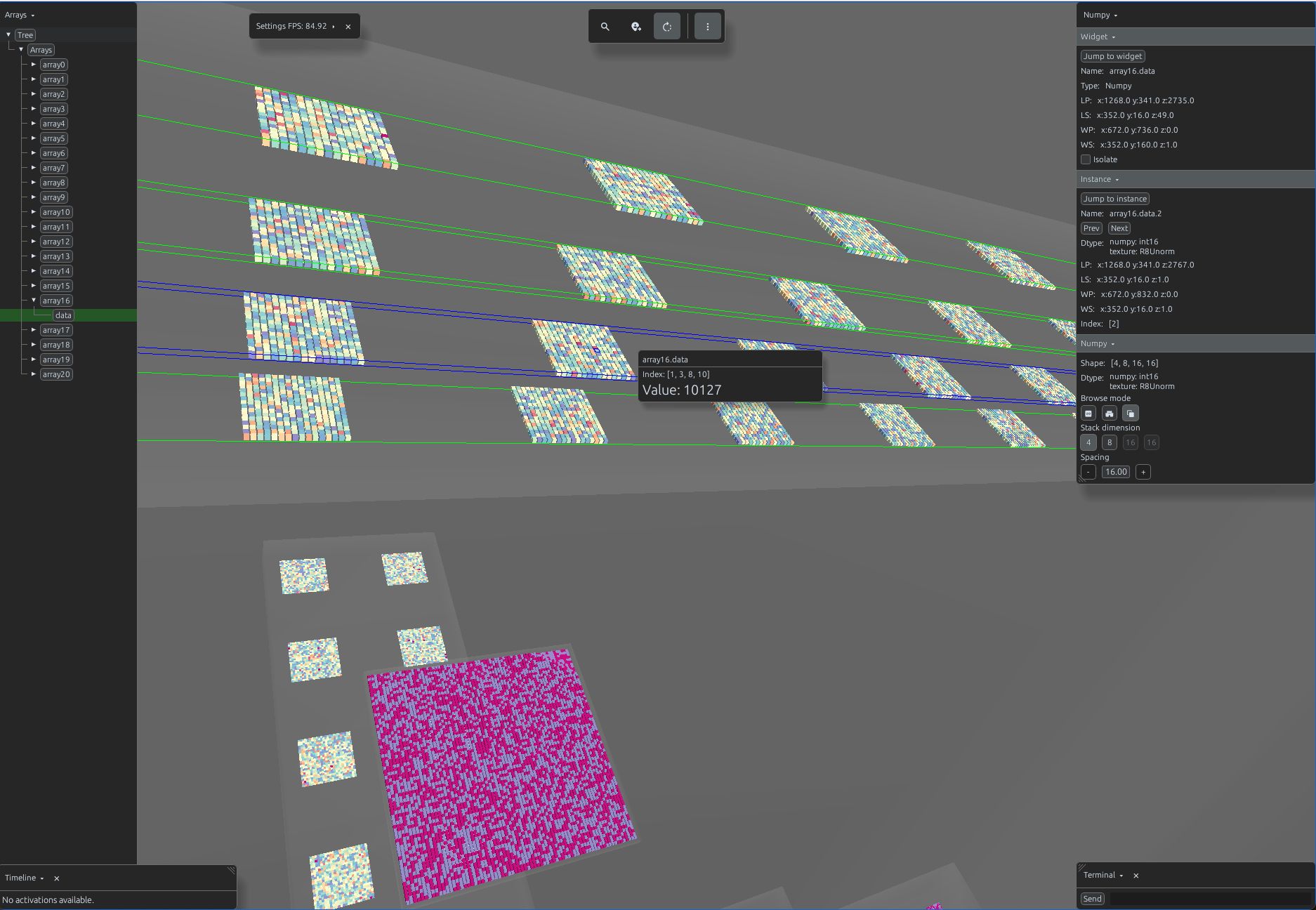
Svetoviz supports the full spectrum of NumPy dtypes - from standard integers and floats to complex
numbers and booleans. Using arrays, you can pass a list of arrays with varying
shapes and types.
import svetoviz_webgpu as sv

sv.arrays([
    # integers
    np.random.randint(np.iinfo(np.int8).min, np.iinfo(np.int8).max, (2, 2, 128, 128), dtype=np.int8),
    np.random.randint(np.iinfo(np.int16).min, np.iinfo(np.int16).max, (2, 3, 128, 128), dtype=np.int16),
    np.random.randint(np.iinfo(np.int32).min, np.iinfo(np.int32).max, (4, 4, 64, 64), dtype=np.int32),
    np.random.randint(np.iinfo(np.int64).min, np.iinfo(np.int64).max, (4, 2, 32, 64), dtype=np.int64),
    np.random.randint(np.iinfo(np.uint8).min, np.iinfo(np.uint8).max, (2, 3, 128, 128), dtype=np.uint8),
    np.random.randint(np.iinfo(np.uint16).min, np.iinfo(np.uint16).max, (16, 128, 128), dtype=np.uint16),
    np.random.randint(np.iinfo(np.uint32).min, np.iinfo(np.uint32).max, (4, 4, 64, 64), dtype=np.uint32),
    np.random.randint(np.iinfo(np.uint64).min, np.iinfo(np.uint64).max, (4, 2, 32, 64), dtype=np.uint64),
    np.random.randint(np.iinfo(np.ubyte).min, np.iinfo(np.ubyte).max, (16, 16, 16), dtype=np.ubyte),
    np.random.randint(np.iinfo(np.byte).min, np.iinfo(np.byte).max, (8, 2, 24, 24), dtype=np.byte),
    np.random.randint(np.iinfo(np.intp).min, np.iinfo(np.intp).max, (64, 64), dtype=np.intp),
    np.random.randint(np.iinfo(np.uintp).min, np.iinfo(np.uintp).max, (64, 64), dtype=np.uintp),
    np.random.choice([True, False], (2, 72, 72)).astype(np.bool_),

    # floats
    (np.random.uniform(-1, 1, (256, 256)) * np.finfo(np.float16).max).astype(np.float16),
    (np.random.uniform(-1, 1, (32, 32, 32)) * np.finfo(np.float32).max).astype(np.float32),
    (np.random.uniform(-1, 1, (4, 3, 32, 32)) * np.finfo(np.float64).max).astype(np.float64),

    # complex numbers
    (np.random.randn(32, 32) + 1j * np.random.randn(32, 32)).astype(np.complex64),
    (np.random.randn(32, 32) + 1j * np.random.randn(32, 32)).astype(np.complex128),
], gap_size=32)
By default, Svetoviz expects the last two dimensions of an array to represent the spatial height and
width (H, W). When passing standard image data in (H, W, C) format, the
engine will attempt to render the channels as the spatial grid, resulting in a distorted view.
import svetoviz_webgpu as sv

# Standard PIL to NumPy conversion results in (H, W, C)
data = np.array(image)

# This will render incorrectly as it treats 'C' as part of the (H, W) pair
sv.array(data, gap_size=0)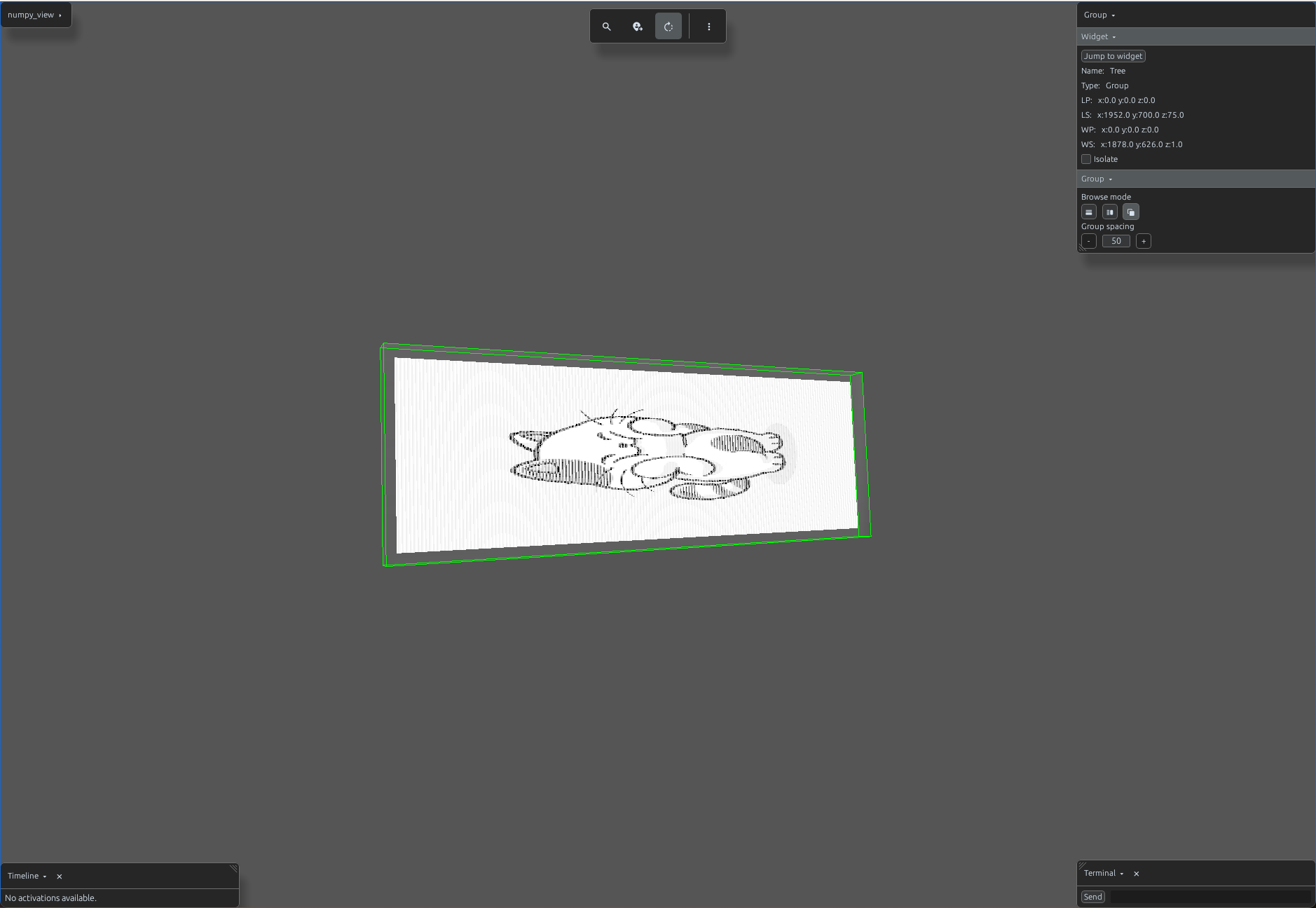
To resolve this, use the ordering parameter to transpose the axes for the 3D projection
without modifying the original array in memory. For a standard (H, W, C) image, use
ordering=(2, 0, 1) to correctly map the dimensions.
import svetoviz_webgpu as sv

# Standard PIL to NumPy conversion results in (H, W, C)
data = np.array(image)

# Correctly map (H, W, C) to (C, H, W) for the 3D scene
sv.array(data, gap_size=0, ordering=(2, 0, 1))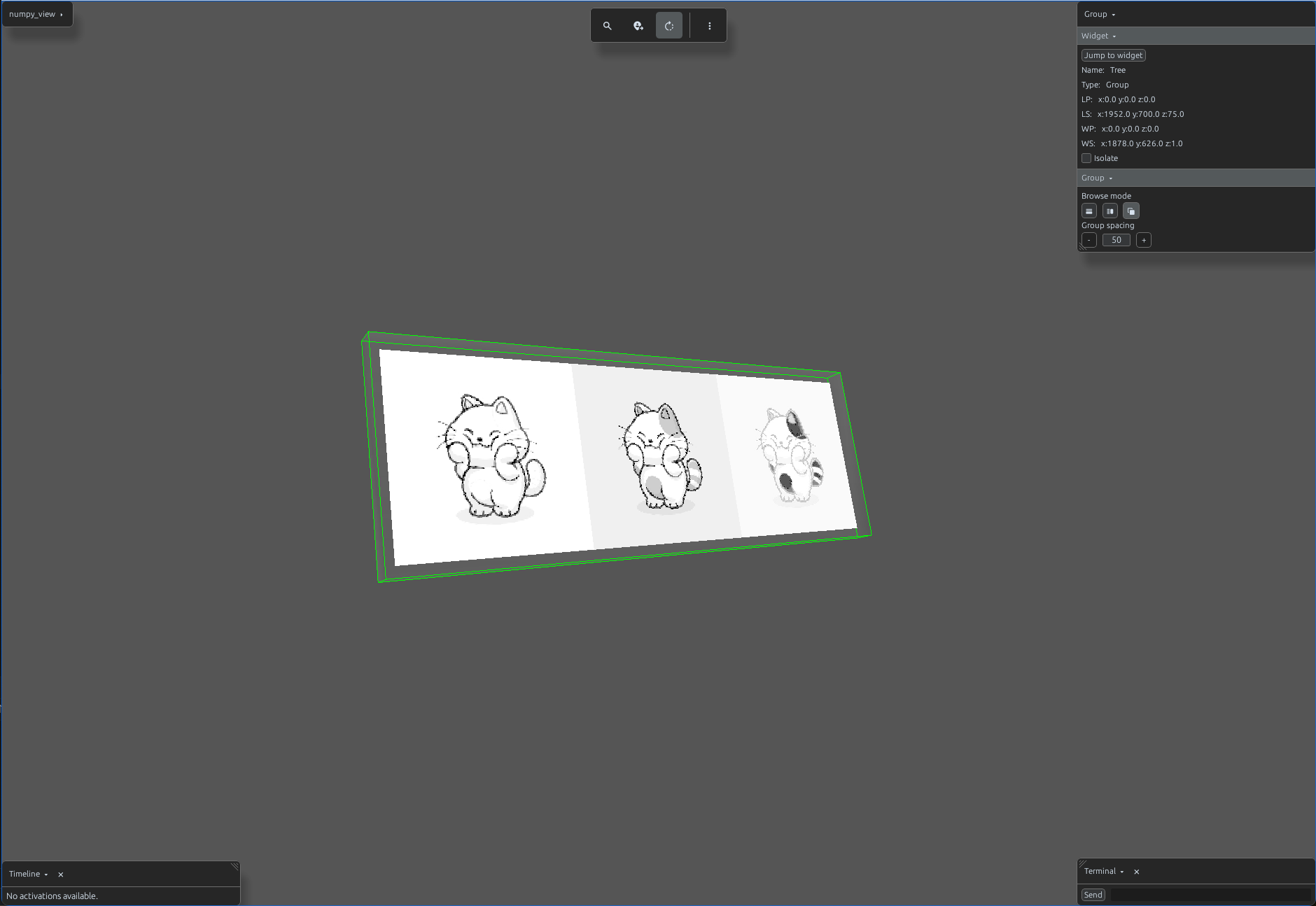
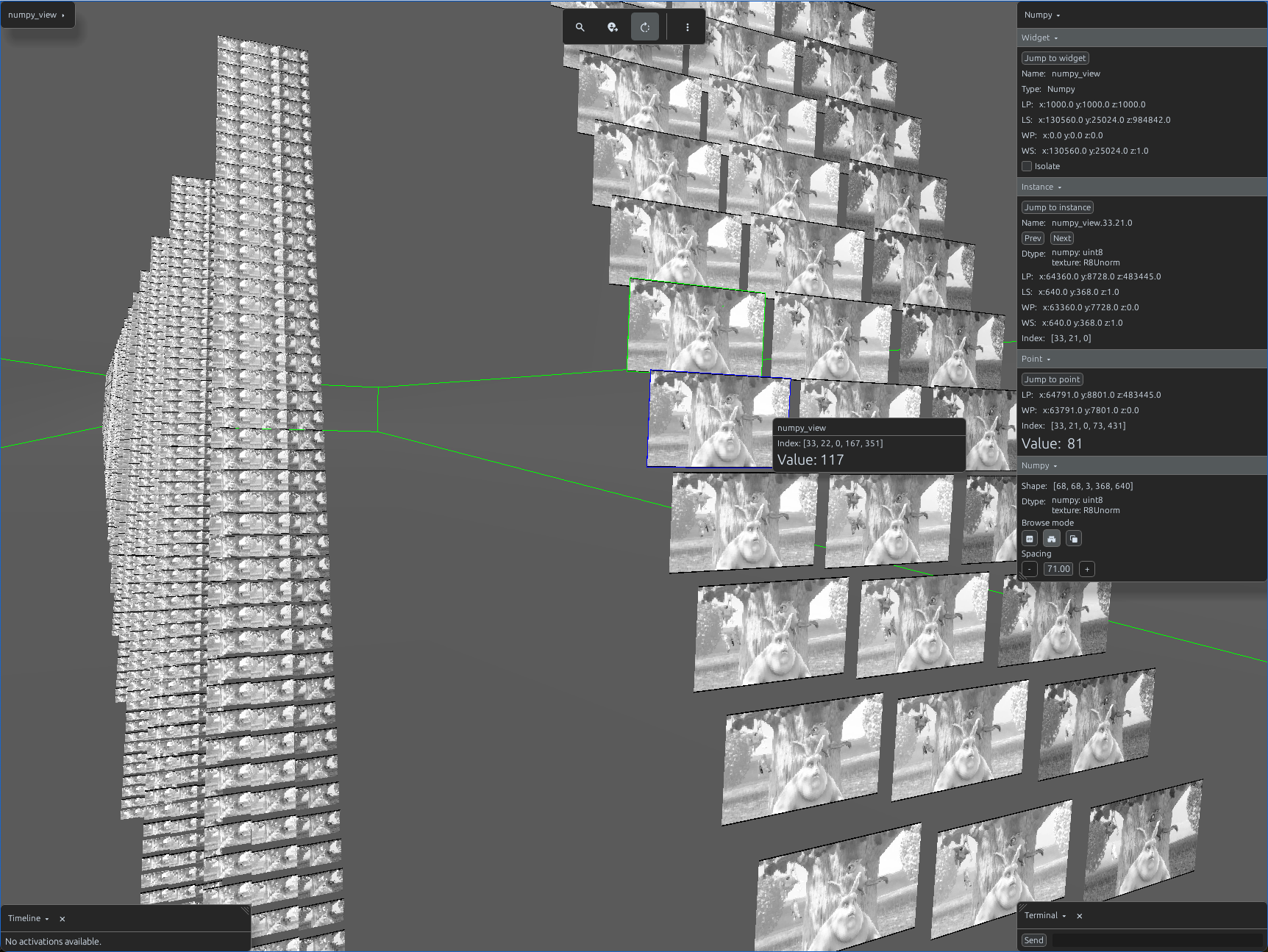
Svetoviz handles large arrays with ease. You can, for example, see all frames from a videoclip at once, allowing for a comprehensive spatial overview of temporal data.
import svetoviz_webgpu as sv

# Load your video as a numpy array
array = video_to_5d_grid('bunny.mp4')
sv.array(array)