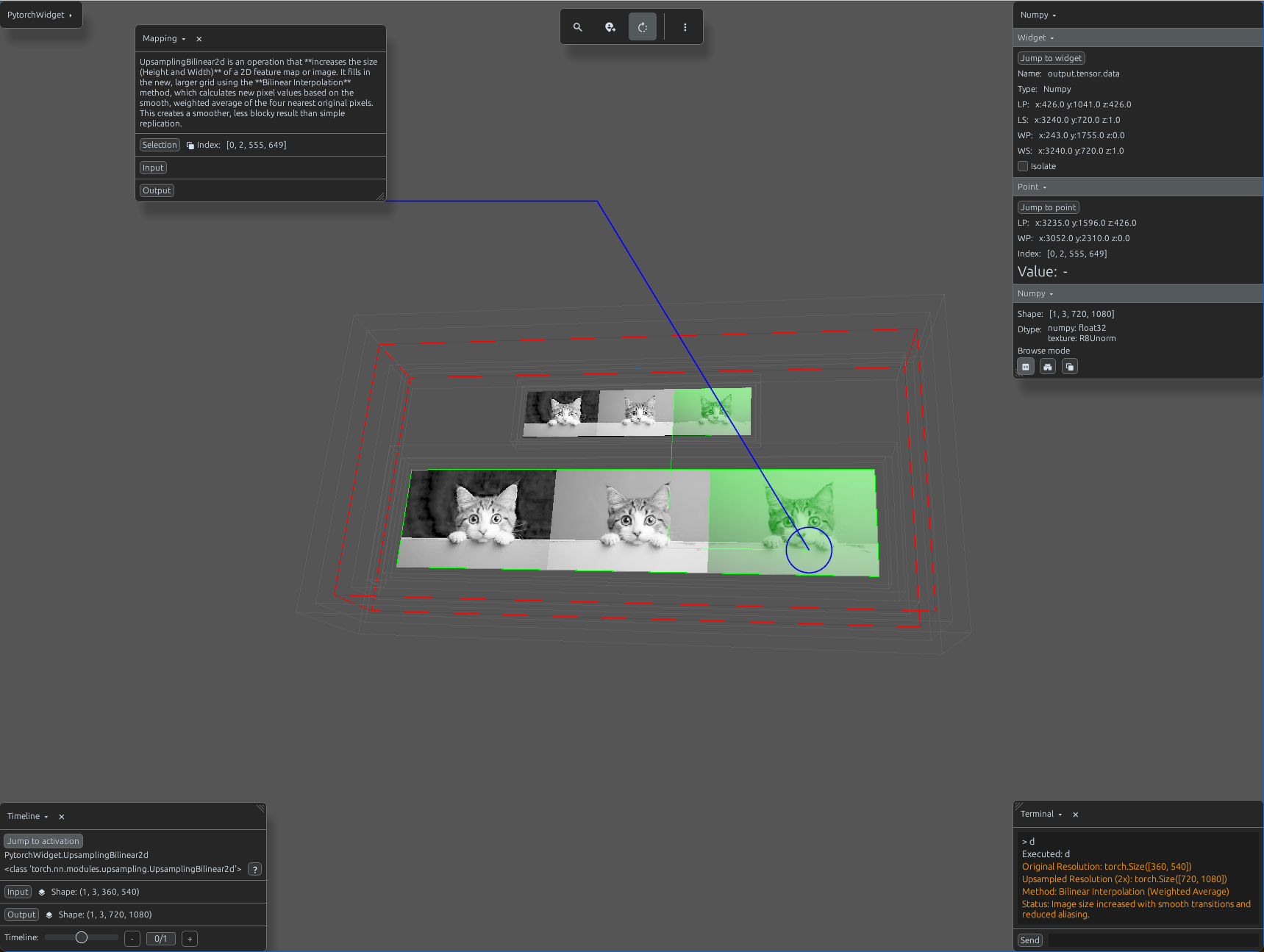
upsampling_bilinear_demo.py
import svetoviz_webgpu as sv

# 1. Prepare 2D image data
input_tensor = torch.from_numpy(img_np).permute(2, 0, 1).unsqueeze(0)

# 2. Define Upsampling Parameters
# Performs weighted average of the four nearest pixels
upsample = nn.UpsamplingBilinear2d(scale_factor=2)

def terminal_callback(buffer, message, images, files):
    output = upsample(input_tensor)

    buffer.send_system_message(f"Original Resolution: {input_tensor.shape[2:]}")
    buffer.send_system_message(f"Upsampled Resolution (2x): {output.shape[2:]}")
    buffer.send_system_message("Method: Bilinear Interpolation (Weighted Average)")
    buffer.send_system_message("Status: Size increased with smooth transitions.")

# 3. Start the interactive session
sv.pytorch_web(module=upsample, terminal_callback=terminal_callback)